CP-2232E
Remote Control Panel
Revision 1.1 Page 31
5.5.1.1. Panel Version
Selecting the Panel Version option, as illustrated in Figure 5-26, will display the current panel’s version
number.
5.5.1.2. Product Support
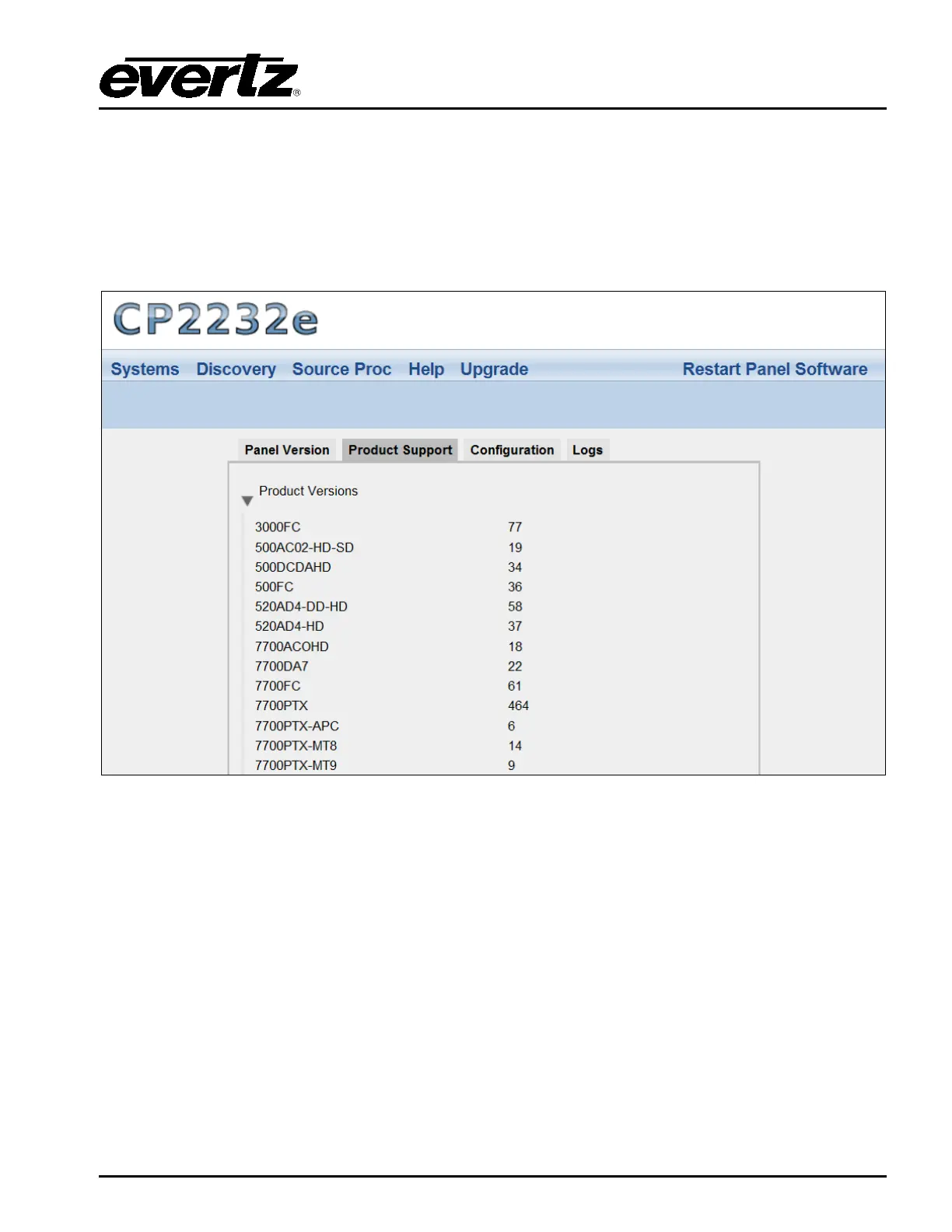
The Product Support option provides a list of current product versions.
Figure 5-27: Product Support Tab
Clicking the Product Versions text will reveal a list of currently supported products and their version
numbers.
5.5.1.3. Configuration
The Configuration tab, as illustrated in Figure 5-28, enables the user to export the panel’s
configuration settings.



 To Next Page