CP-2232E
Remote Control Panel
Page 20 Revision 1.1
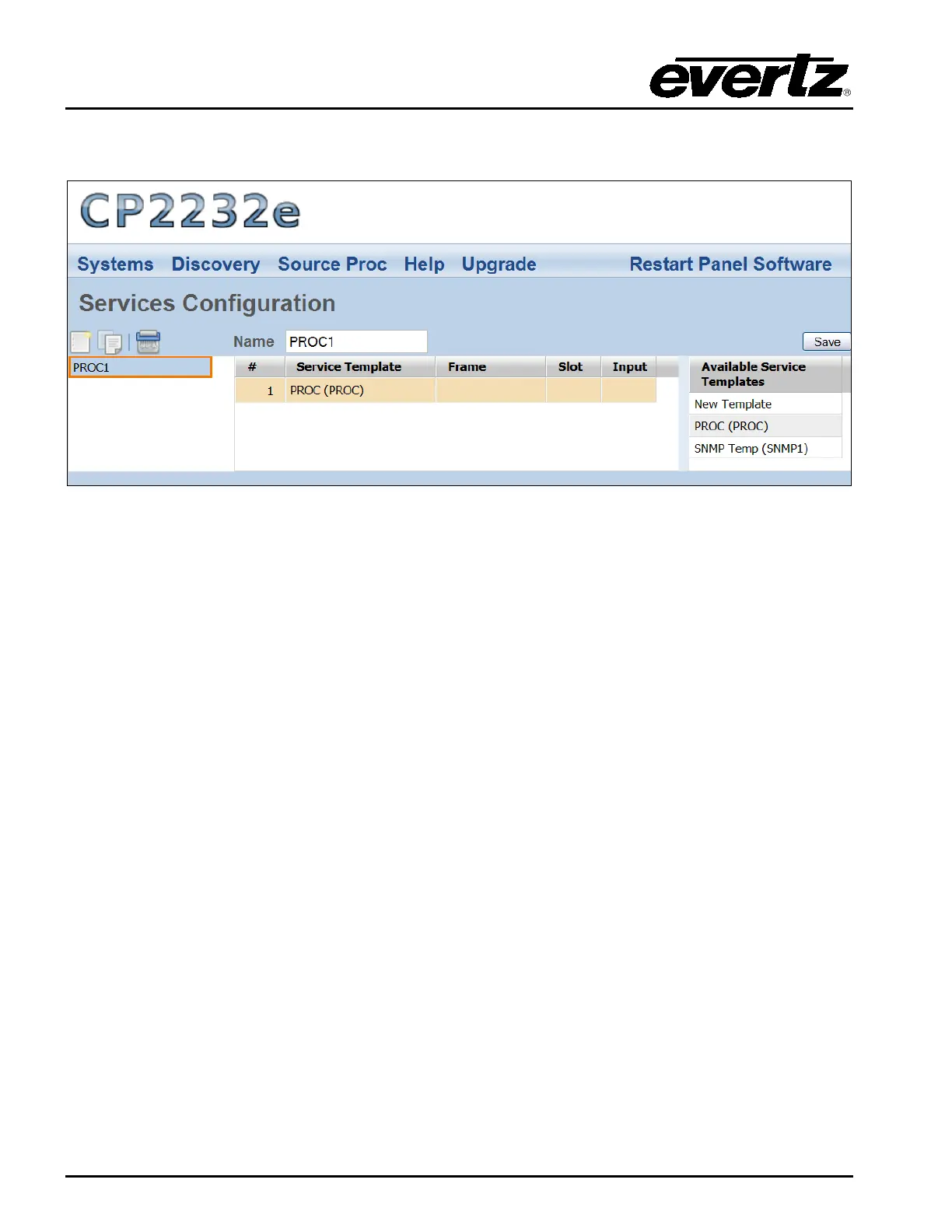
Once a service is selected or the user creates a new service, a new page will appear enabling the user
to customize the service.
Figure 5-12: Customizing a Service
5.2.3.1. Service Controls
To name and save the service, use the Service controls as listed below:
• Name: To assign a name to the service, enter a unique name into the Name field.
• Save: Press the Save button to save all the changes you have made.
5.2.3.2. Available Service Templates
The Available Service Templates column provides the user with a list of Service Templates that are
currently available. Selecting a template from the list will open the Service Templates page. The user
can also drag and drop a template from the Available Service Templates column to the Service
Template list in order to customize its properties.



 To Next Page