CP-2232E
Remote Control Panel
Revision 1.1 Page 27
5.3.4. VistaLINK
®
Alarm Server
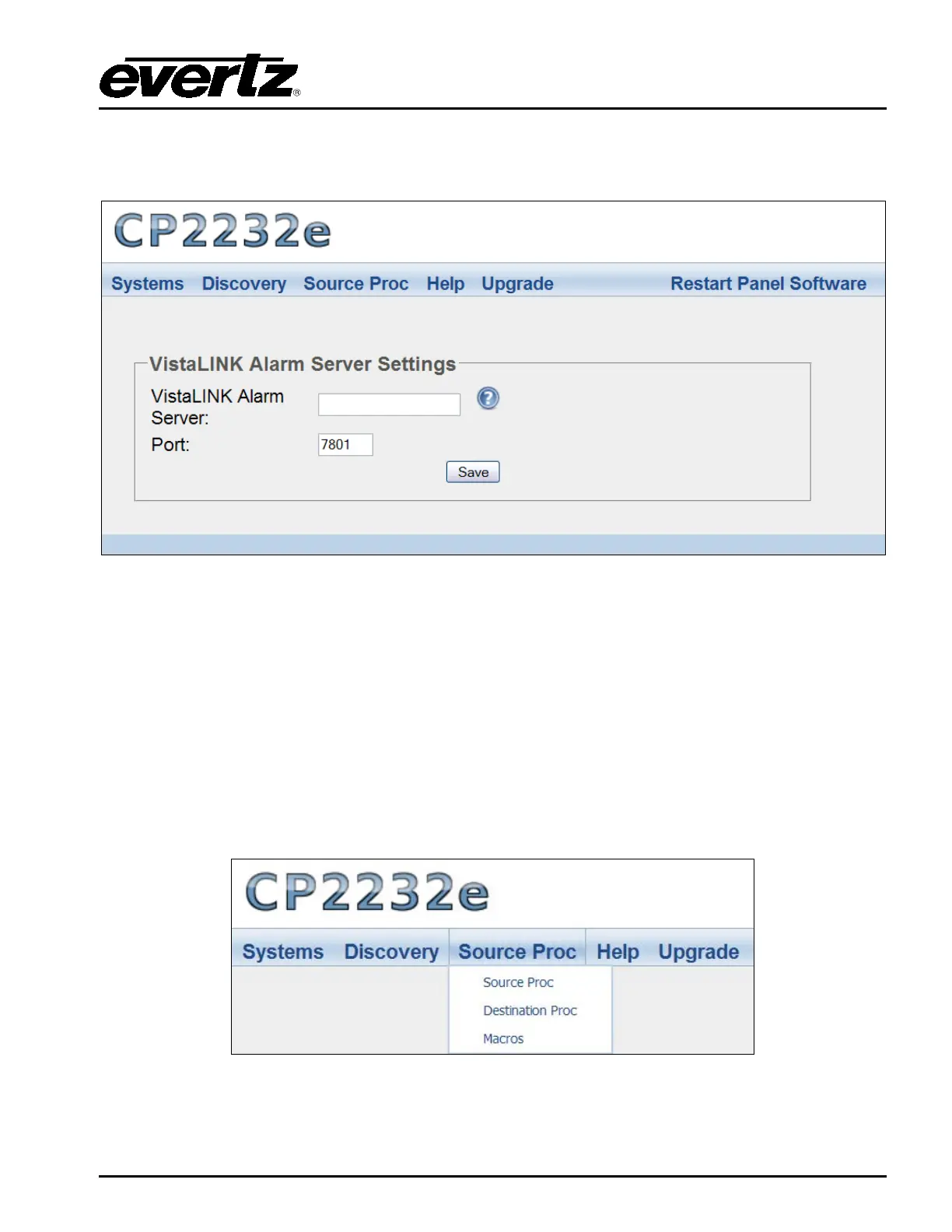
This page enables the user to configure the VistaLINK
®
Alarm Server settings.
Figure 5-20: VistaLINK
®
Alarm Server
VistaLINK
®
Alarm Server: This field enables the user to enter the VistaLINK
®
Alarm Server
network address.
Port: This field enables the user to enter the port number (the numerical input) to map to.
Select the Save button to save all settings.
5.4. SOURCE PROC MENU
The Source Proc menu enables the user to create source-service, destination-service, and macro-
service mapping.
Figure 5-21: Source Proc Menu



 To Next Page