CP-2232E
Remote Control Panel
Page 54 Revision 1.1
The TAKE button whether in Eight Destination View or One Destination View when pressed will
route the selected source to the selected destination. When a TAKE operation is available the TAKE
button will appear PINK. If a TAKE failed because of an error, the button will appear RED, by selecting
the MORE button and then VIEW ERROR the user can view details concerning the failure.
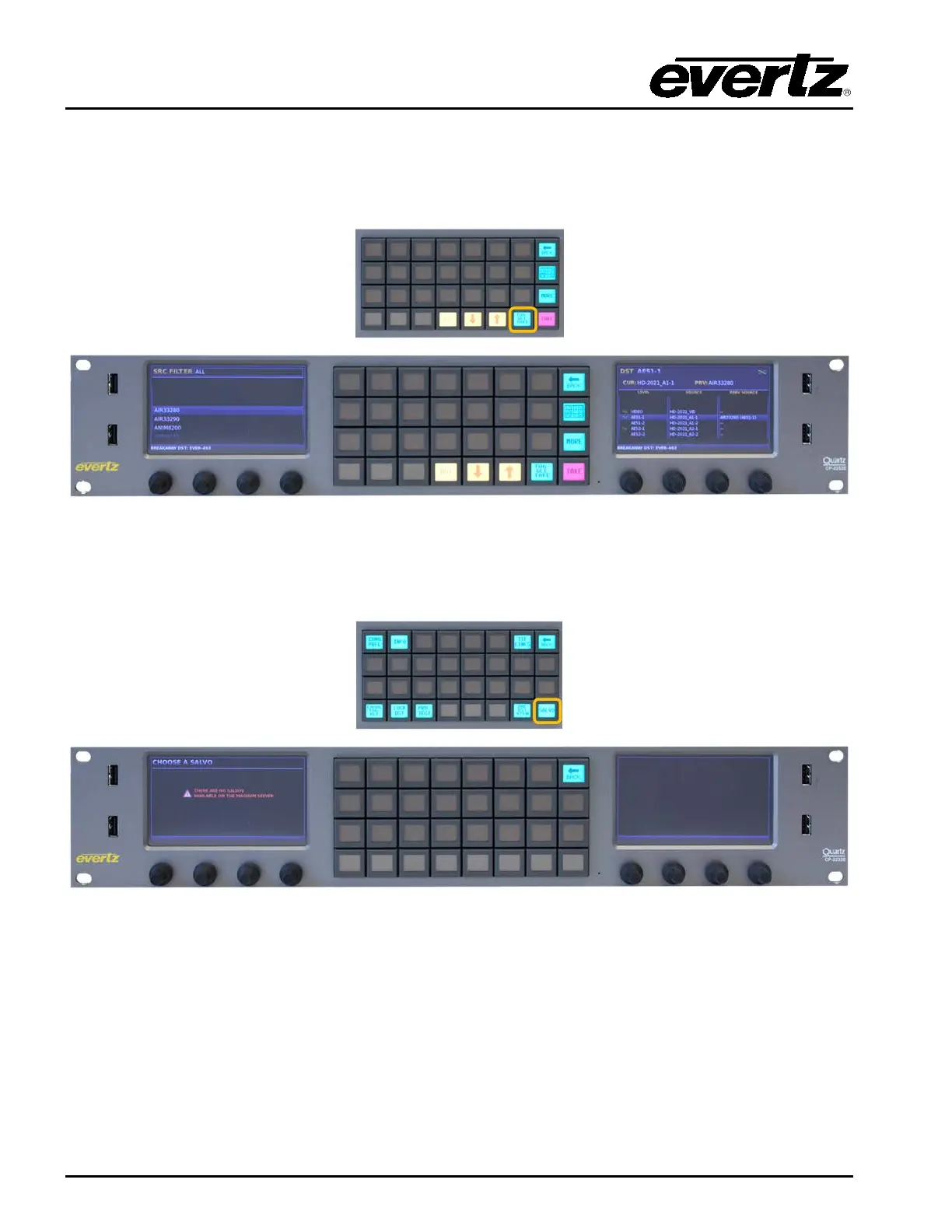
Figure 7-22: Selecting the “TOGGLE TAKE” Button
When in One Destination View the TOGGLE TAKE button can be used to toggle with each press
between the Current Source and the Previous Source on the selected destination.
Figure 7-23: Selecting the “SALVO” Button
The SALVO button when pressed will display a list of Salvos in the left screen that are available to the
current profile active on the panel. The left shaft encoder under the Left display is used to navigate
through the Salvo list by turning the shaft encoder. When the required Salvo is highlighted, the RECAL
SALVO button is fire the selected salvo. The Back button can be used to return to the Eight
Destination view.



 To Previous Page