CP-2232E
Remote Control Panel
Revision 1.1 Page 23
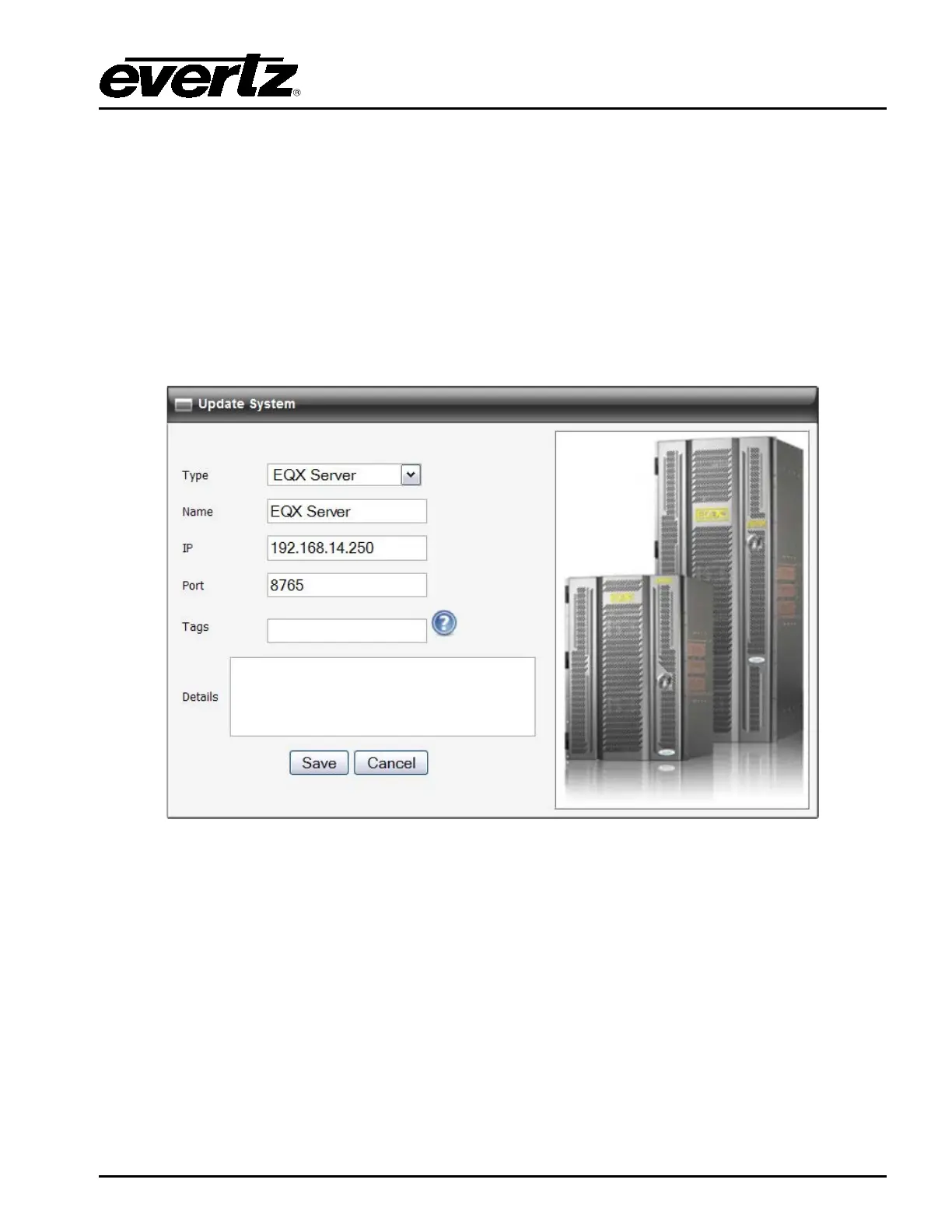
Details: This field displays specific details about the device. If the user double clicks the Details
field, an Update System window will open. Here, the user can enter information about
the device using the Details field.
Tags: This field displays the tags for a particular device. If the user double clicks the Tags
field, an Update System window will open. Here, the user can add tags to the device in
order to create shortcut buttons while searching for a system on the first selection
screen of the panel.
Service: This field displays the available SNMP services for the device. The user can drag and
drop a service from the Available Services column to the desired device’s Service
field.
Figure 5-15: Update System Window
5.3. DISCOVERY MENU
The Discovery menu, as illustrated in Figure 5-16, enables the user to set the appropriate discovery
settings for the panel. The user can also configure the CP-2232E for communication with the
VistaLINK
®
Alarm Server.



 To Next Page