CP-2232E
Remote Control Panel
Revision 1.1 Page 39
6.2. ADDING SNMP SERVICES
This section will guide the user through the set up of SNMP services. SNMP services are parameters
from one or several pieces of terminal equipment that you wish an operator to control from the CP-
2232E panel. Parameters from multiple cards can be added and categorized for easy access and
control.
1. In the web interface ensure the appropriate product jars are available to the CP2232E. This is
done using the Systems / Products menu.
2. Select Systems / Service Templates menu and create a Service Template that contains the
controls required for the SNMP products. Save changes.
3. Select Systems / Services menu and create a Service mapping of the Service Template to a
specific Service that contains the appropriate frame, card, slot, input information for the SNMP
enabled product for control. Save changes.
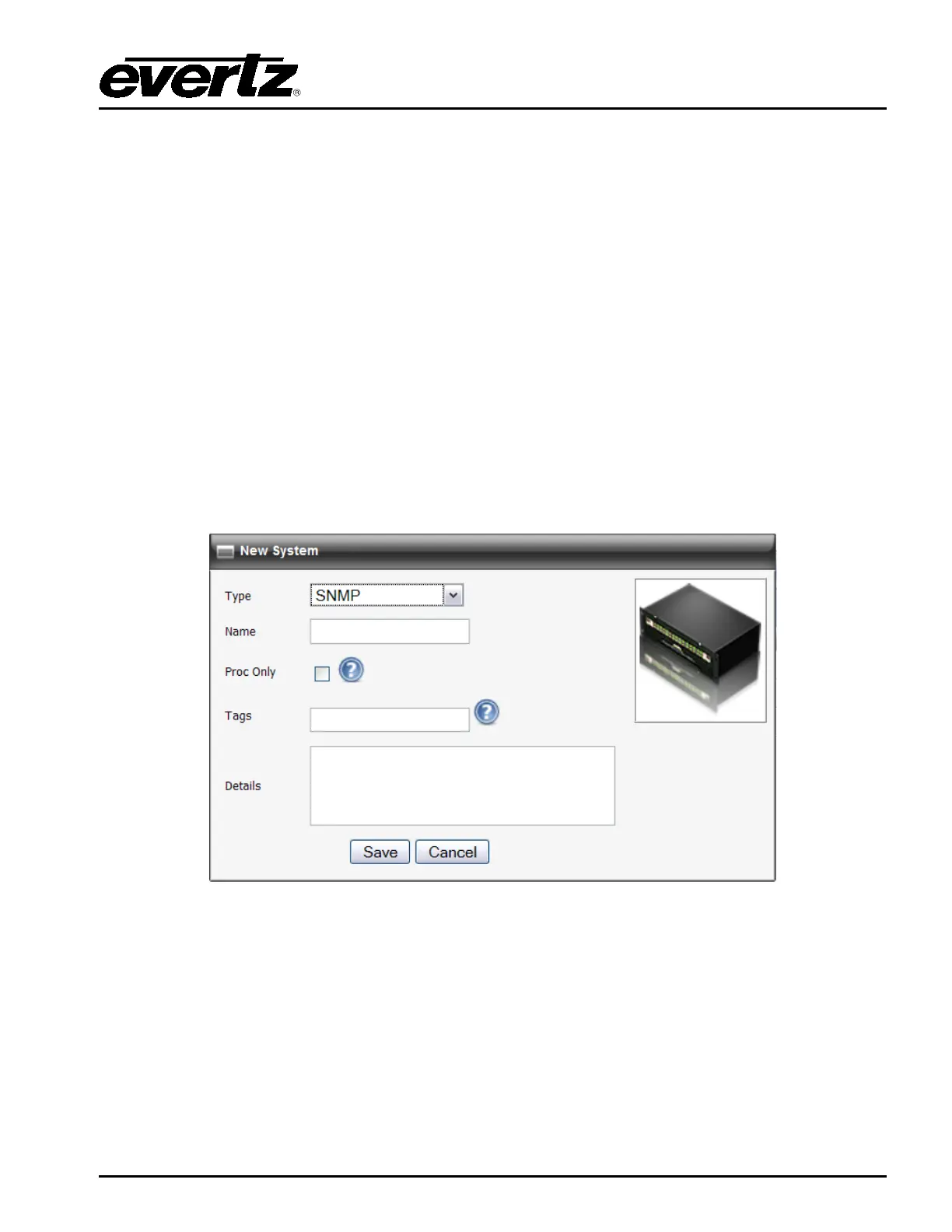
4. Select Systems menu and drag an available Service from the Available Services column to
automatically create a SNMP System. The name of the Service will be auto-populated in the
SNMP system name. Save changes.
Figure 6-3: Create a SNMP Service



 To Next Page