CP-2232E
Remote Control Panel
Page 30 Revision 1.1
1. Select the plus sign to create a new Macro mapping.
2. Enter the name of the desired SNMP service in the Service Name field.
3. Enter the name of the Macro in the Macro Name field.
9. Once completed, select the Save.
4. When you are finished mapping the Macro, be sure to click the “Restart Panel Software” link
found at the top of each page.
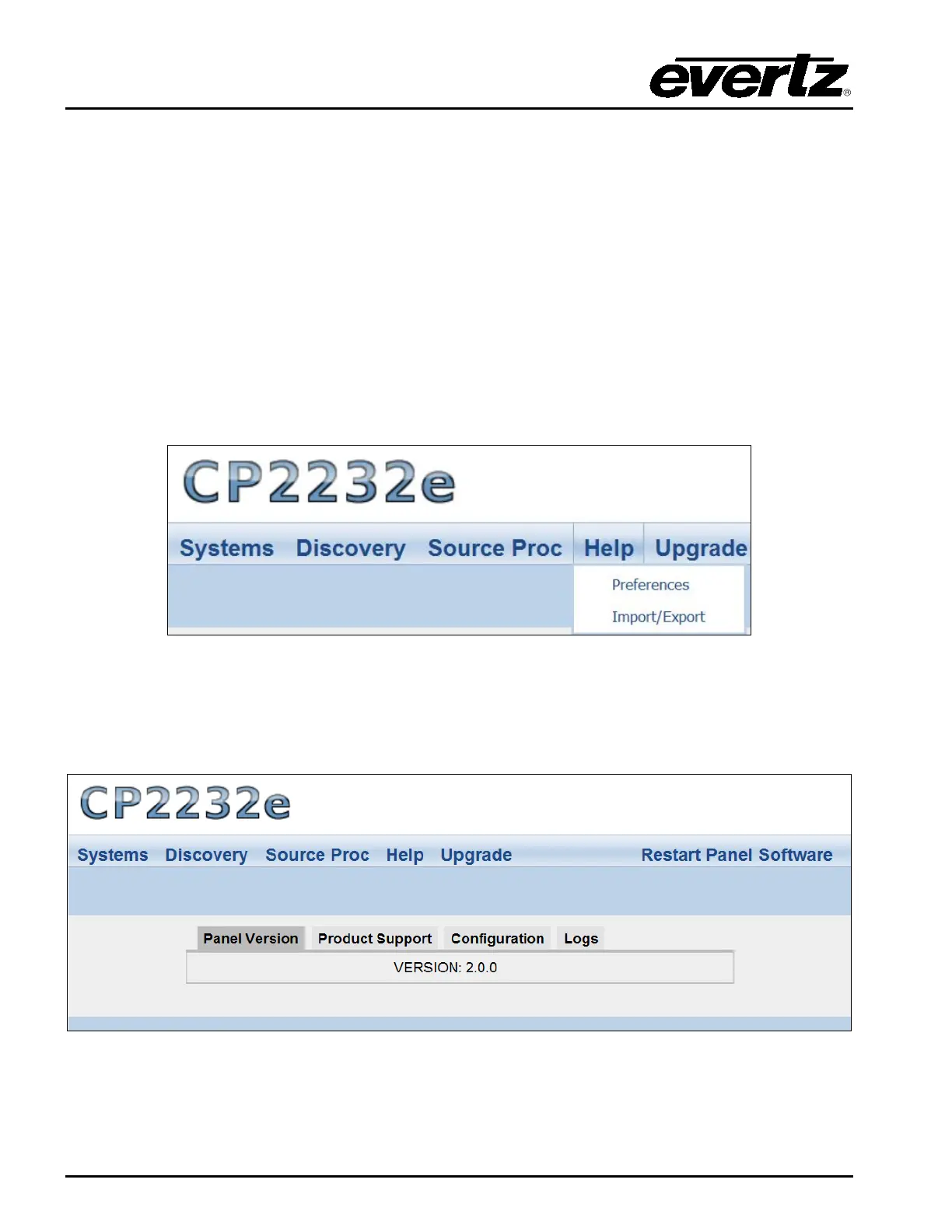
5.5. HELP MENU
The Help menu enables the user to view panel and products information, retrieve logs, change
preference settings, and import/export configurations.
Figure 5-25: Help Menu
5.5.1. Help Page
Selecting the Help menu enables the user to view the current panel version, product support, and
retrieve configuration and logs.
Figure 5-26: Help Page



 To Next Page