62
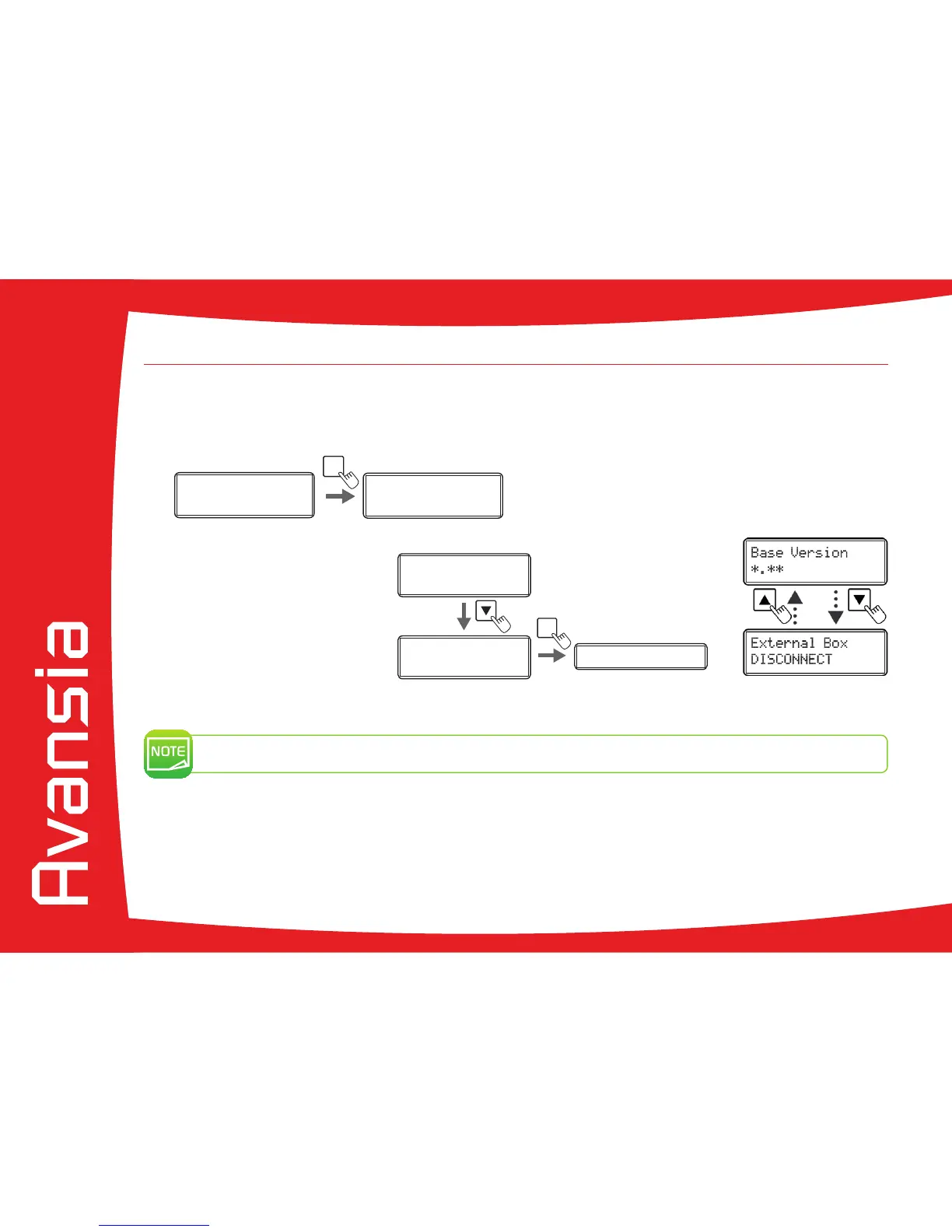
4-8 Checking the program version and serial number
Ê
Switch from Normal Mode to User mode (see section 4-1b)
Ë
Press the t Key until [Version] is displayed, then press the SET Key.
Ì
Press the t/s Keys to display the information to check.
The t
/s Keys allows you to switch between [Base Version], [Main Version], [Printer S/N], [Printhead S/N],
[Magnetic Encoder],[Chip port #1], [Chip port #2], [External Box].
You can also check the program version and serial number on the printer driver:
Ê
From the Start button found bottom-left on the Windows task bar, select Printers and faxes.
Ë
Select your printer and double click.
Ì
From the Printer menu, select Printing preferences.
Í
Go to the Maintenance tab and then click Printer operation panel.
Î
Double click on User Mode and then click on Version.
4
Ê
ÌË
Ready Ready
Printer Info.
SET:
>>
Printer Info.
SET:
>>
MENU



 To Next Page