Working With the TestFlow Mobile Application
140 OX1
Establishing or Closing a Connection With a Smart Device Via the Bluetooth Technology
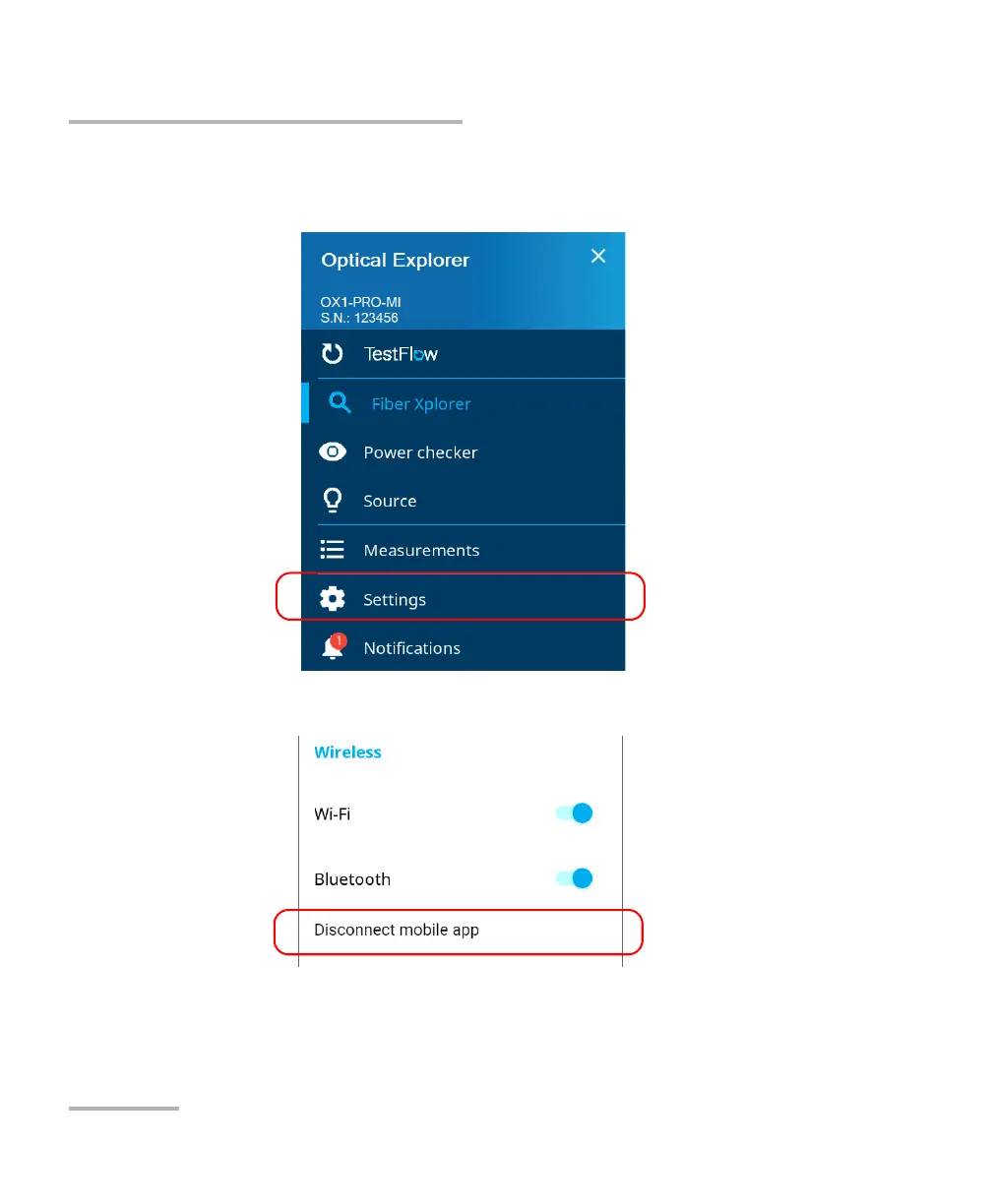
To close the connection with a smart device from your unit:
1. From the main menu, tap Settings.
2. From the Wireless section, tap Disconnect mobile app.



 To Next Page