Working With the TestFlow Mobile Application
Optical Explorer 139
Establishing or Closing a Connection With a Smart Device Via the Bluetooth Technology
3e. If the application prompts you to authorize it to access your smart
phone’s location, tap ALLOW. Otherwise, you will not be able to
access the list of OX1 units.
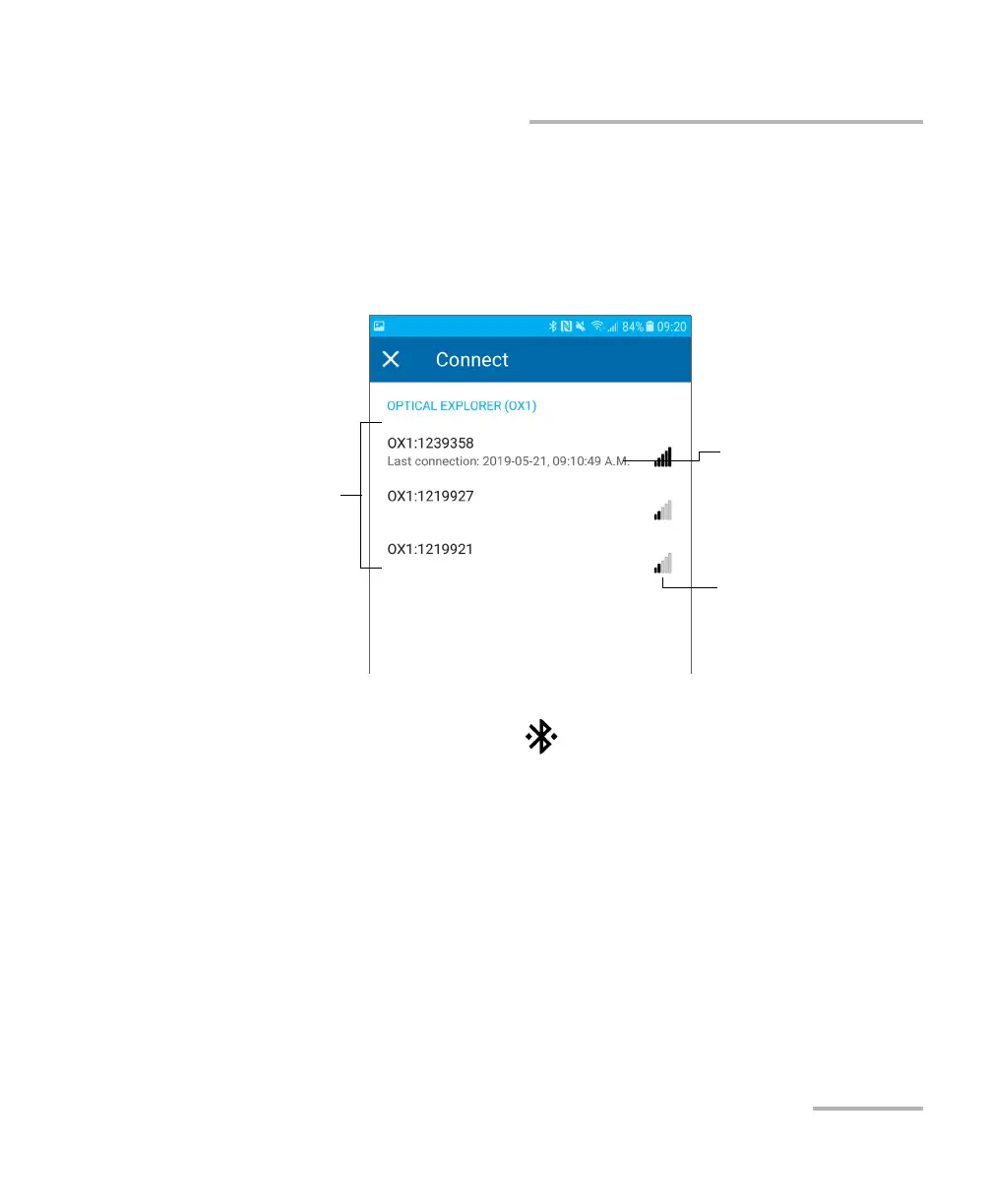
3f. From the list of OX1 units, tap the item corresponding to the
desired unit.
The application establishes the communication automatically. When the
connection is successful, the icon appears in the title bar of your OX1
unit.
Note: If the OX1 unit that you want to use is already connected to another smart
device, you must first close the connection between the OX1 unit and the
other smart device before being able to connect to this specific OX1.
Bluetooth
®
signal
strength
Serial numbers of the
nearby OX1 units
Date and time of the last
successful connection
(when applicable)



 To Next Page