Working With the TestFlow Mobile Application
Optical Explorer 155
Working With a Wireless Network
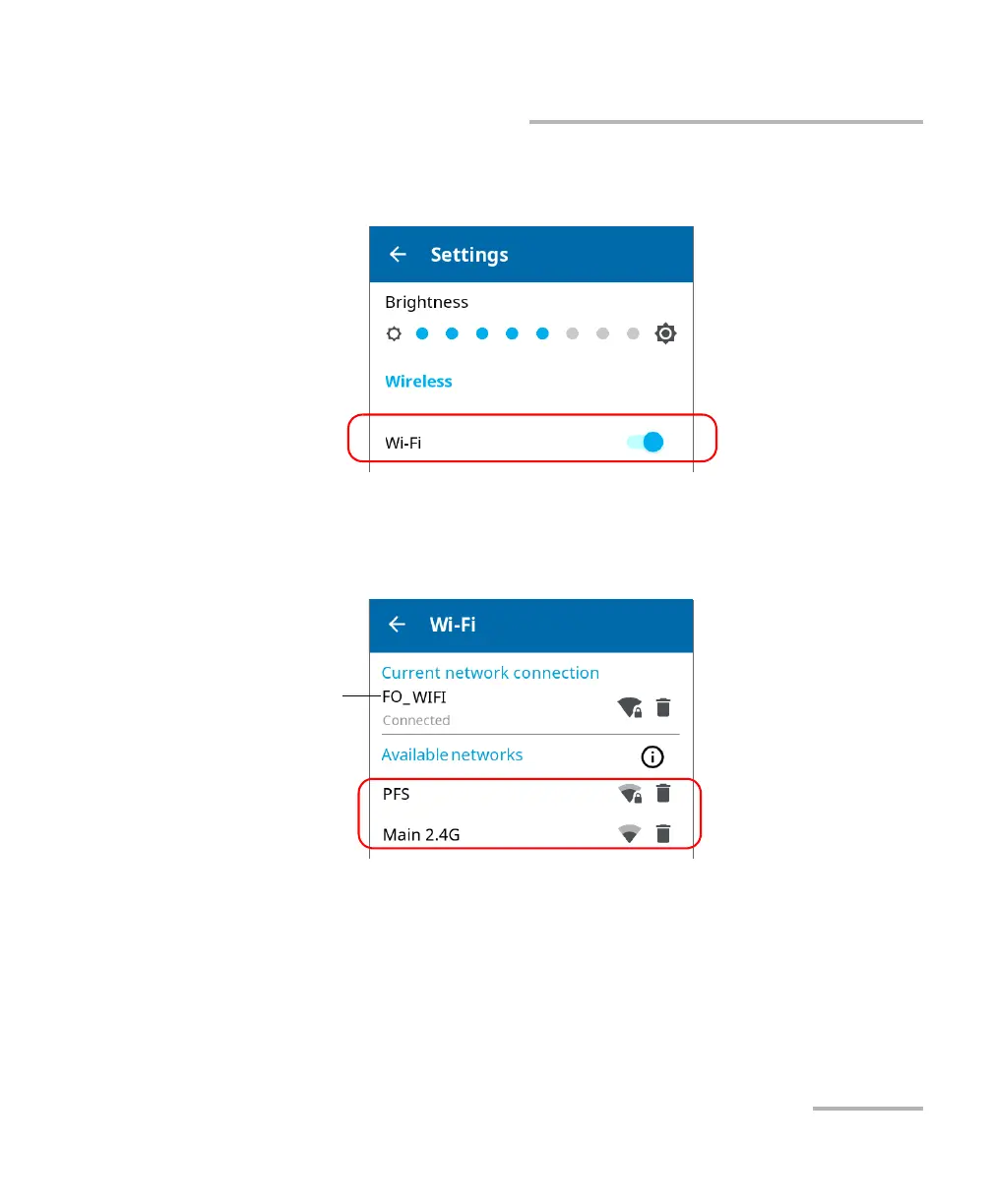
3. If it is not already done, enable the Wi-Fi communication on your unit
using the corresponding toggle.
4. Tap Wi-Fi.
5. Under Available networks, tap the item corresponding to the wireless
network to which you want to connect.
The application establishes the communication automatically.
Note: If you select a network different than the one used during your last work
session and the connection to this new network fails, the application will
automatically switch to the last network used to try and establish a
connection.
Network to which the unit
is currently connected or
network used during the
last work session



 To Next Page