Working With the TestFlow Mobile Application
156 OX1
Working With a Wireless Network
Removing Configured Networks From the List
You can remove configured networks from the list to prevent automatic
connections to these networks (forget network feature). If you remove the
network currently in use, the unit (or the TestFlow mobile application) will
try to connect to the next configured network on the list that is available.
On your unit, removed networks are no longer visible unless you
reconfigure these networks (from your unit of the TestFlow mobile
application). If these networks are still in range, they will reappear on the
list of available networks as if they have never been configured before. This
means that for secured networks, their passwords will need to be
re-entered if you decide to reconfigure these networks.
To remove a configured network from the list:
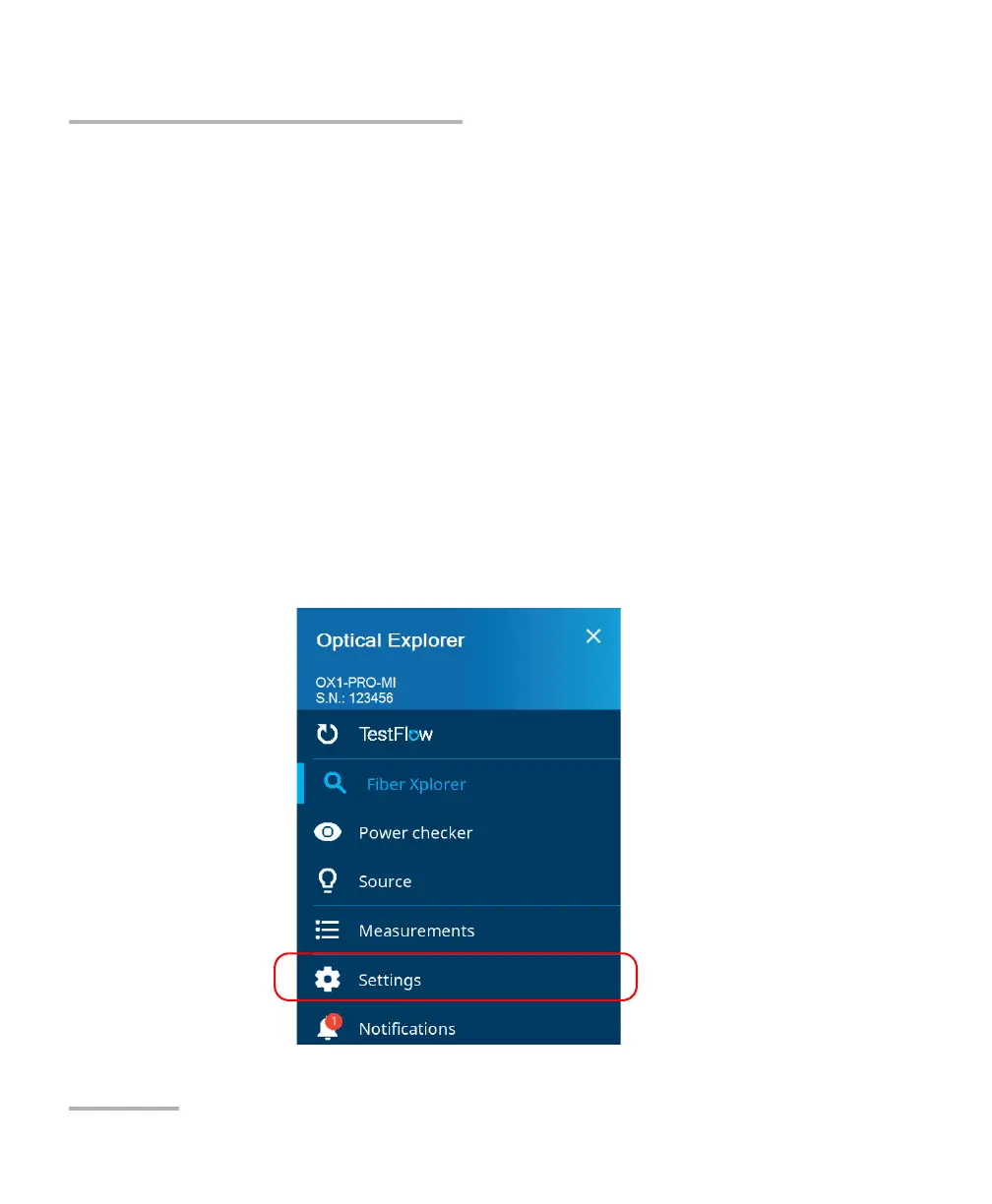
1. From your unit or from the Optical Explorer tool in the TestFlow mobile
application, go to the main menu, and then tap Settings (from unit) or
OX1 settings (from TestFlow).



 To Next Page