Maintenance
186 OX1
Replacing the Battery
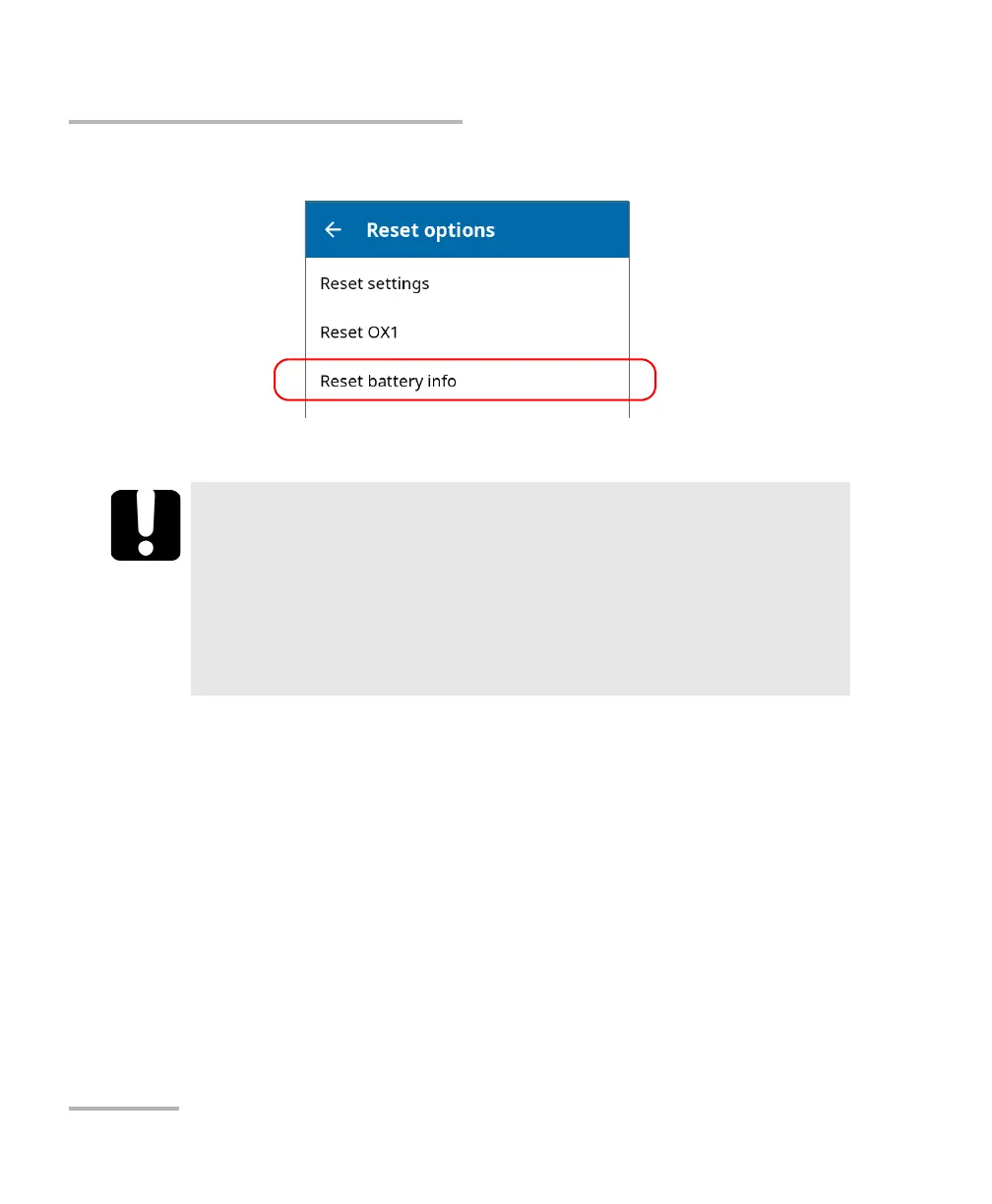
12d.Tap Reset battery info.
12e.When your unit prompts you, confirm the operation.
IMPORTANT
³ If the unit’s LED turns to red when you turn on the unit, simply
connect the unit to a power outlet and let the new battery
charge for a few minutes.
³ It could take a few charge/discharge cycles before the unit’s LED
indicator and the on-screen battery status icon reflect the actual
power level of the new battery.



 To Next Page