Maintenance
188 OX1
Verifying the Optical Output of Your Unit
To verify the optical output of your unit:
1. Inspect and clean the unit’s optical port.
2. If the port is damaged and you have a Pro unit, replace the Click-Out
connector (see Replacing the Click-Out Optical Connector (Pro Units
Only) on page 193). If the port is damaged and your unit is not
equipped with a Click-Out connector, contact EXFO (see Service and
Repairs on page 230).
OR
If the port seems fine, continue with the remaining steps of this
procedure.
3. Inspect and clean the connector of the launch cord that you will be
connecting to the optical port during the verification process.
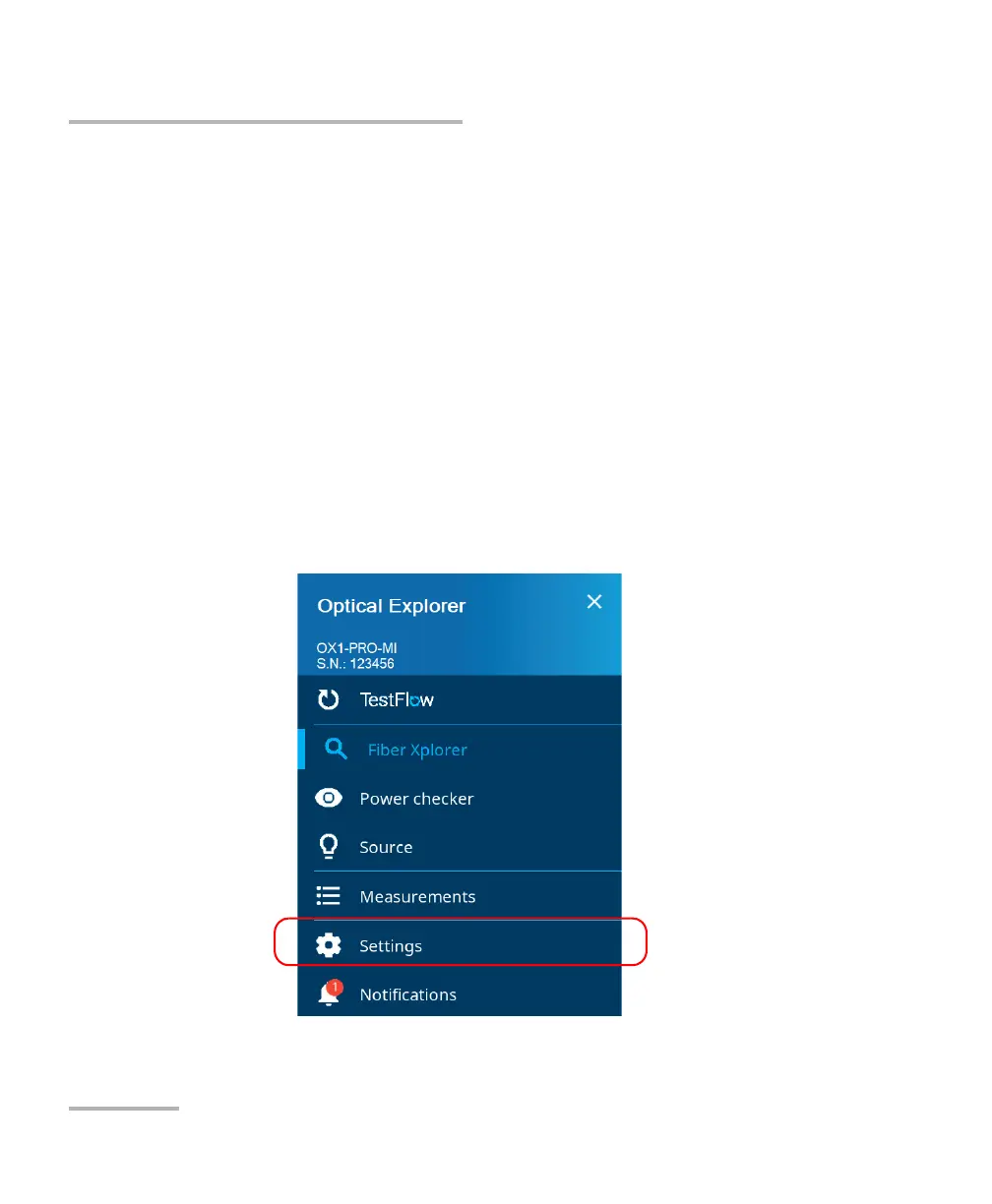
4. On your unit, from the main menu, tap Settings.



 To Next Page