Maintenance
Optical Explorer 189
Verifying the Optical Output of Your Unit
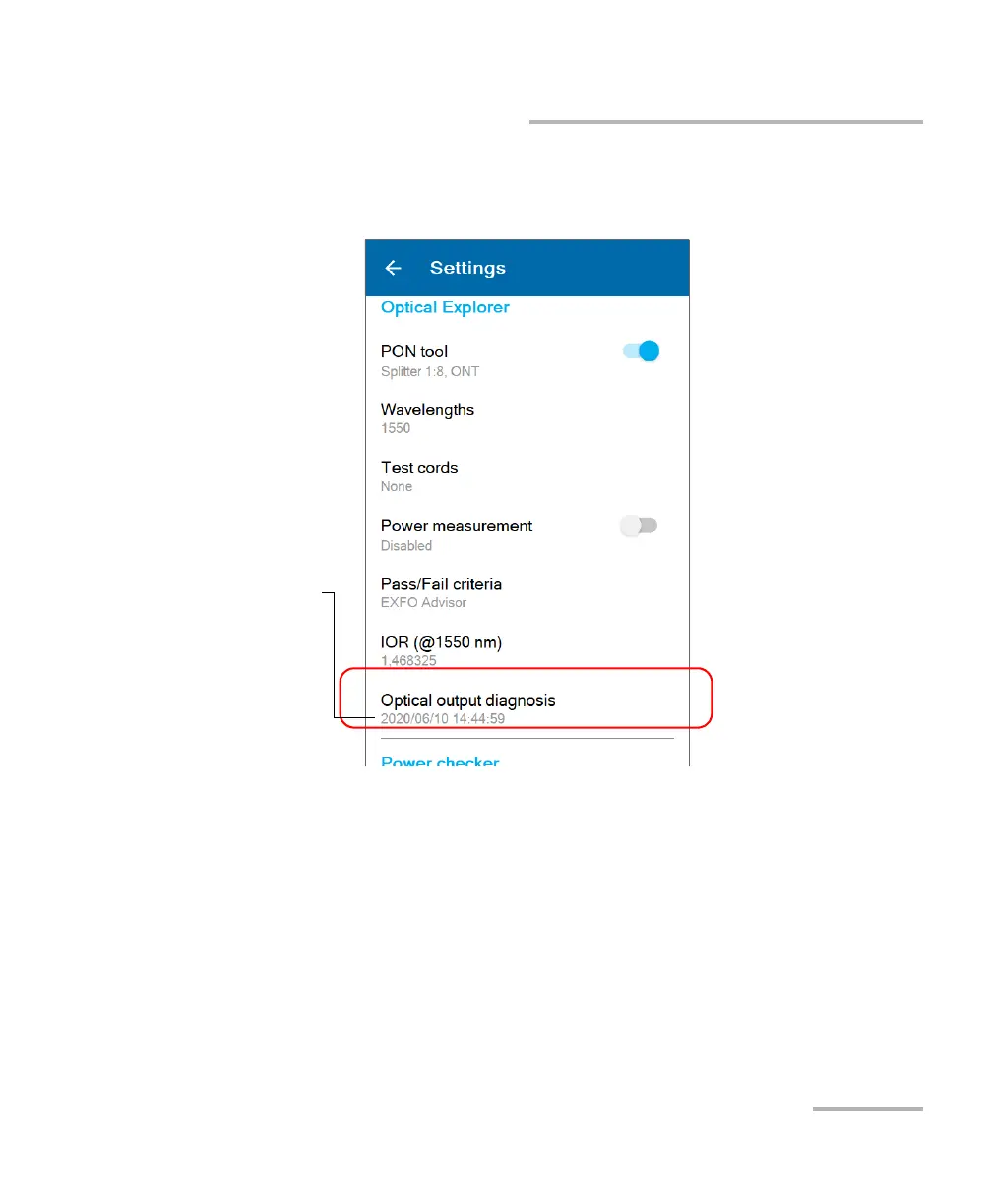
5. Scroll down to the Optical Explorer section.
6. Tap Optical output diagnosis.
7. Follow the on-screen instructions.
Note: During the verification process, you will connect one end of the launch cord
to the optical port of your unit. The other end of the cord must remain
unconnected.
Date of the last
verification that could
be completed



 To Next Page