Maintenance
190 OX1
Verifying the Optical Output of Your Unit
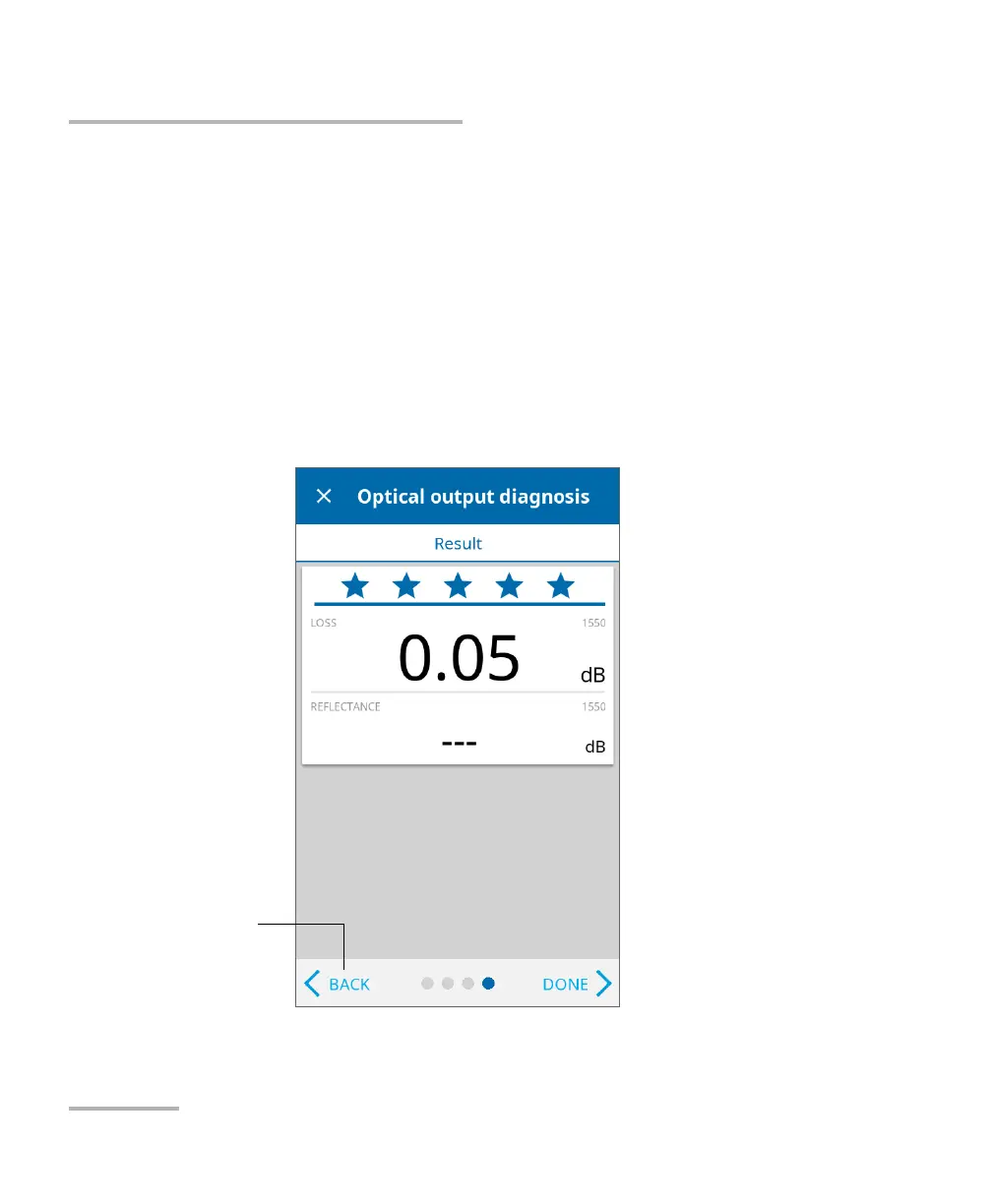
Once the test is complete, the unit displays the result of the verification as
well as recommendations, when applicable. If you have finished your
work, tap DONE. If you want to perform the verification again, tap BACK
from the lower left corner of the screen.
Note: If you have a Pro unit and want to know if the internal connector is
damaged or if you could only replace the Click-Out connector,
see Determining the Condition of the Click-Out Optical Connector (Pro
Units Only) on page 191. If your unit is not equipped with a Click-Out
connector and the unit needs a connector replacement, you have to contact
EXFO (see Service and Repairs on page 230).
To perform the
verification steps again



 To Next Page