Maintenance
Optical Explorer 195
Replacing the Click-Out Optical Connector (Pro Units Only)
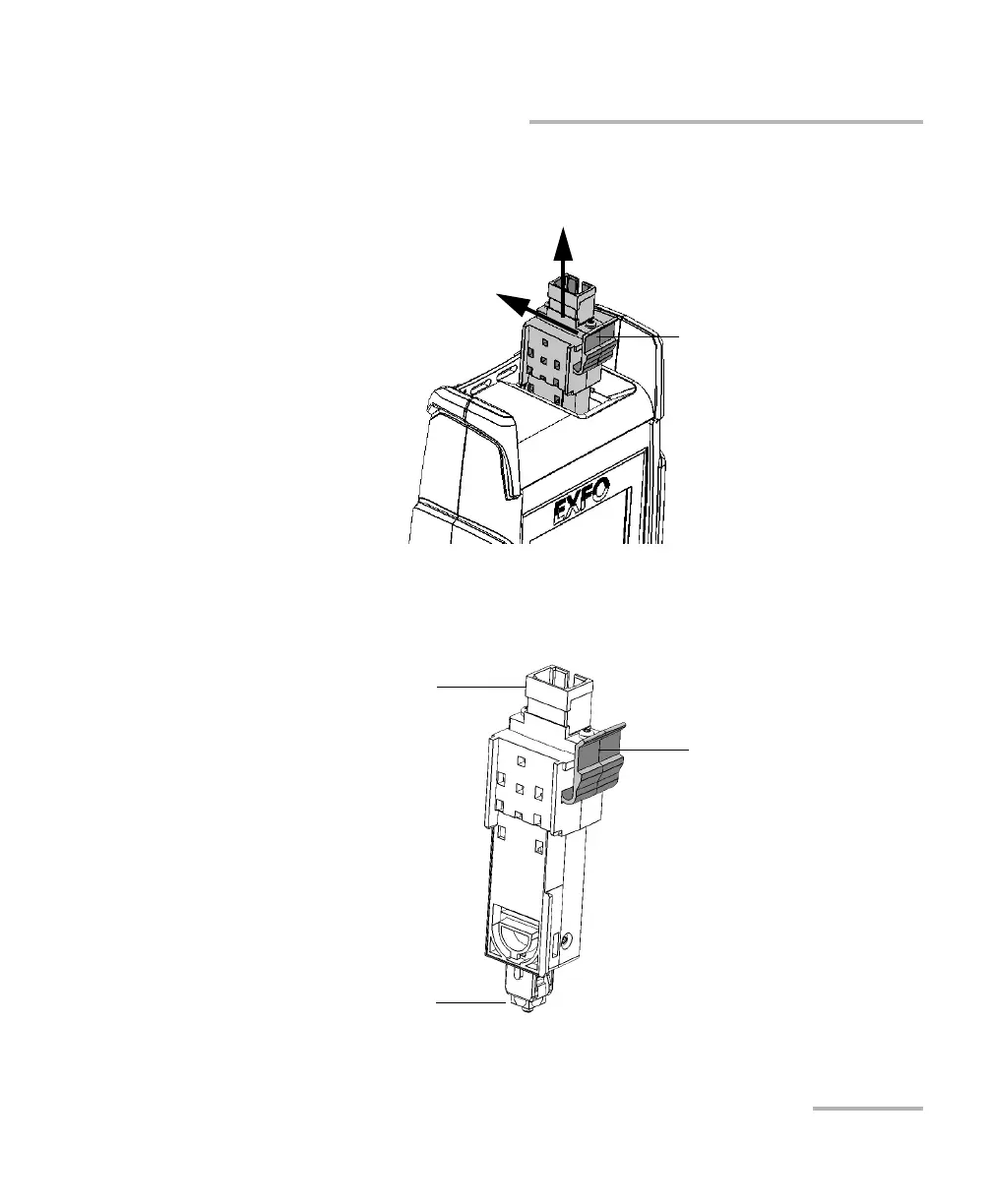
3. While pushing the release tab toward the back of the unit, pull the
Click-Out connector out of the unit.
To replace (or reinstall) the Click-Out optical connector:
1. Position the new Click-Out connector vertically so that you can see its
release tab and that the optical port is pointing upwards.
Click-Out connector’s
release tab
Optical port
Optical connector with
dust cap
Release tab



 To Next Page