Getting Started with Your Unit
34 OX1
Working With Launch and Receive Test Cords
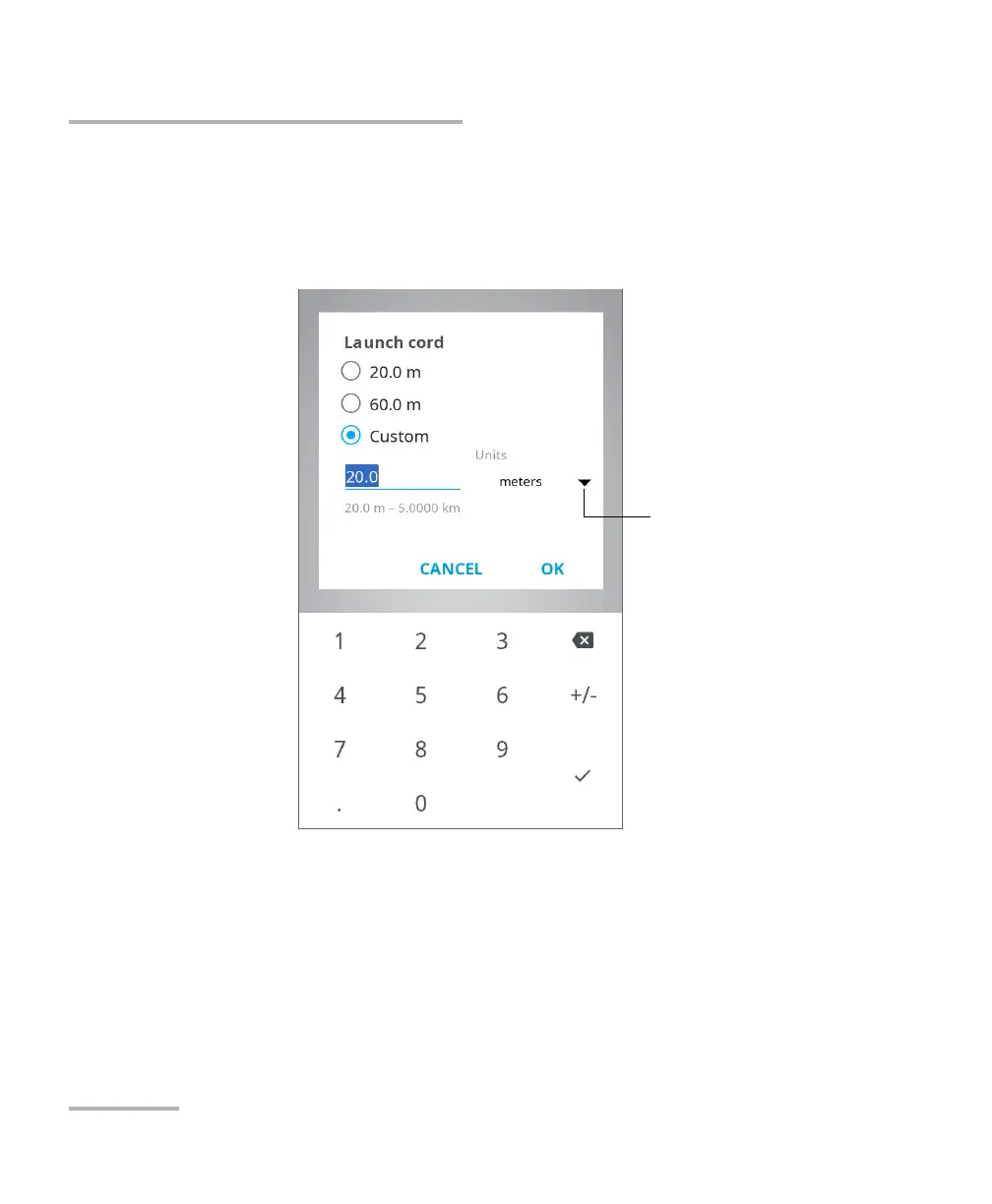
3b. Under the desired test cord, tap the displayed length to edit it.
3c. Select the length of the cable you want to use for your
measurement. If you have selected Custom, enter the length with
the numeric keypad.
3d. If necessary, change the distance units.
3e. Tap OK to confirm.
The new selection is taken into account for the next measurement.
To change the distance
units



 To Next Page