Setting up Your Unit
46 OX1
Adjusting the Date, Time and Time Zone
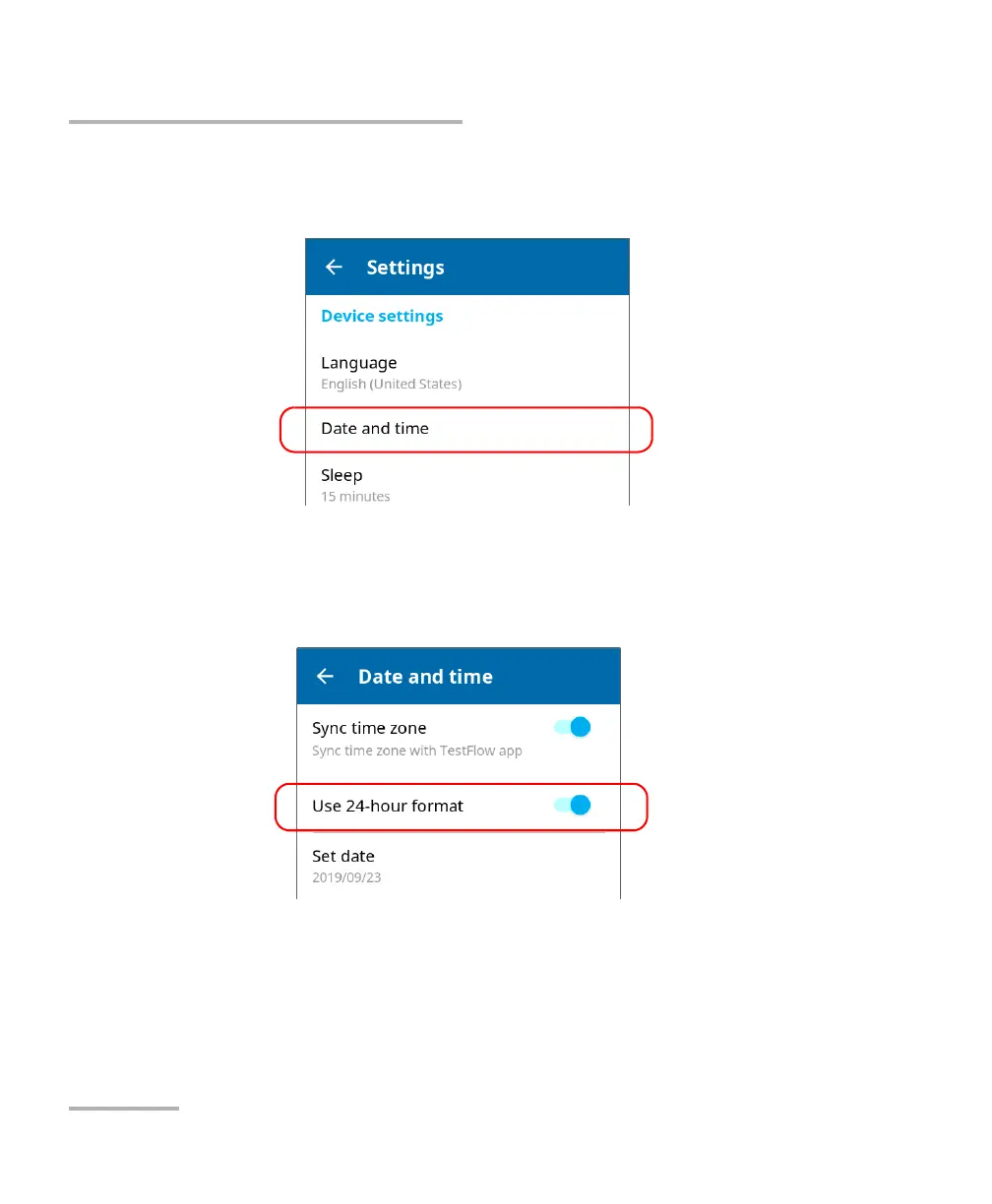
2. Scroll down to the Device settings section.
3. Tap Date and time.
4. With the Use 24-hour format toggle, enable or disable the option,
depending on your preference. If you prefer to view the time in a
12-hour (AM/PM) format, ensure that the Use 24-hour format option is
disabled.
The new time format is taken into account immediately.



 To Next Page