Setting up Your Unit
Optical Explorer 47
Adjusting the Date, Time and Time Zone
To enable or disable the synchronization of date, time and time
zone with the TestFlow mobile application:
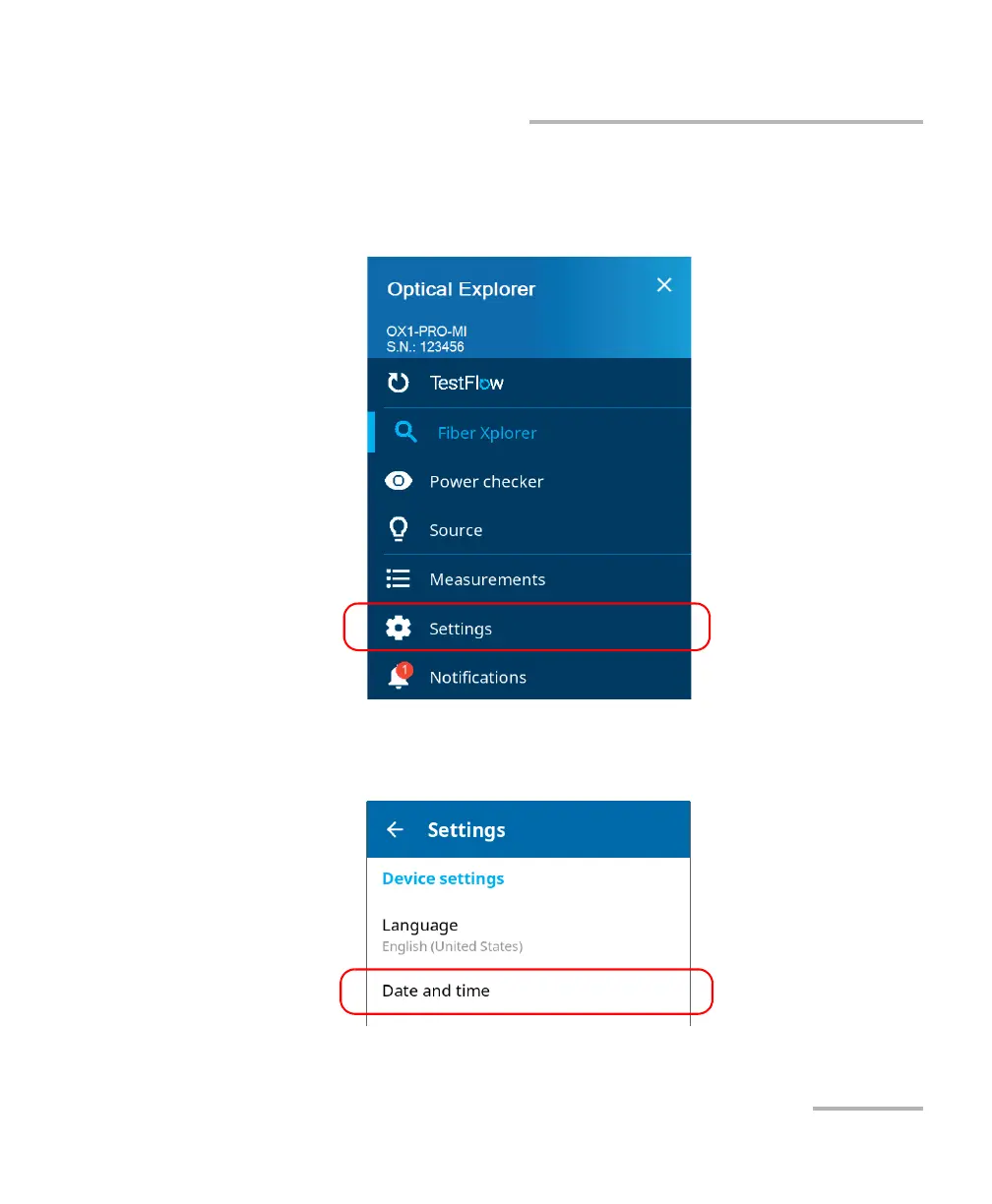
1. From the main menu, tap Settings.
2. Scroll down to the Device settings section.
3. Tap Date and time.



 To Next Page