Setting up Your Unit
76 OX1
Working With the PON Tool
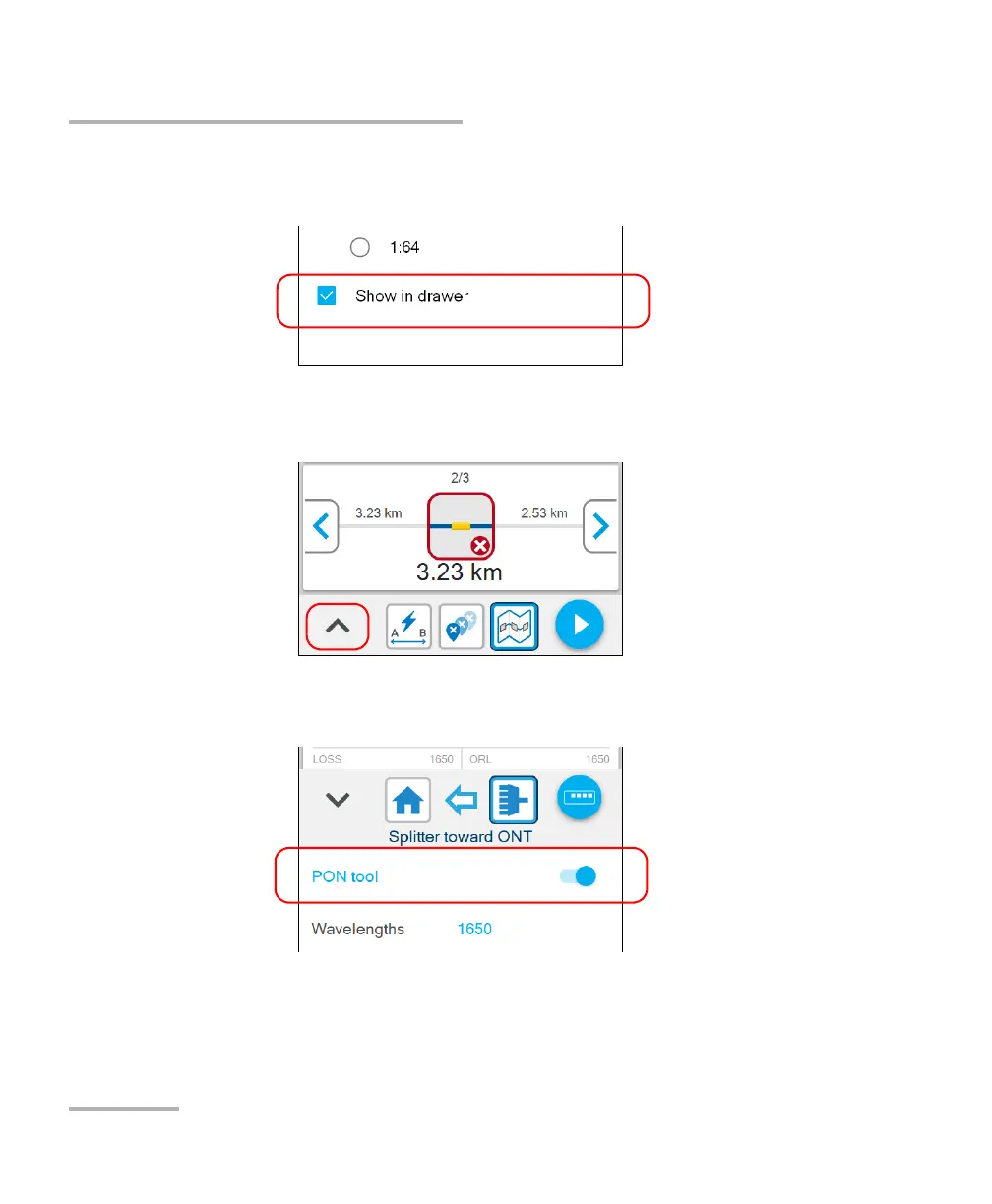
5. If you want to be able to access the PON tool settings directly from the
drawer, select the Show in drawer check box.
To configure the PON tool from Fiber Xplorer:
1. From Fiber Xplorer, tap the arrow to access the drawer.
2. If necessary, activate the feature with the toggle button and tap PON
tool.
Note: If you do not see PON tool in the drawer, it probably means that its display
has not been enabled from the Settings menu or that your current OX1 unit
is not a PRO model.



 To Next Page