Setting up Your Unit
Optical Explorer 77
Working With the PON Tool
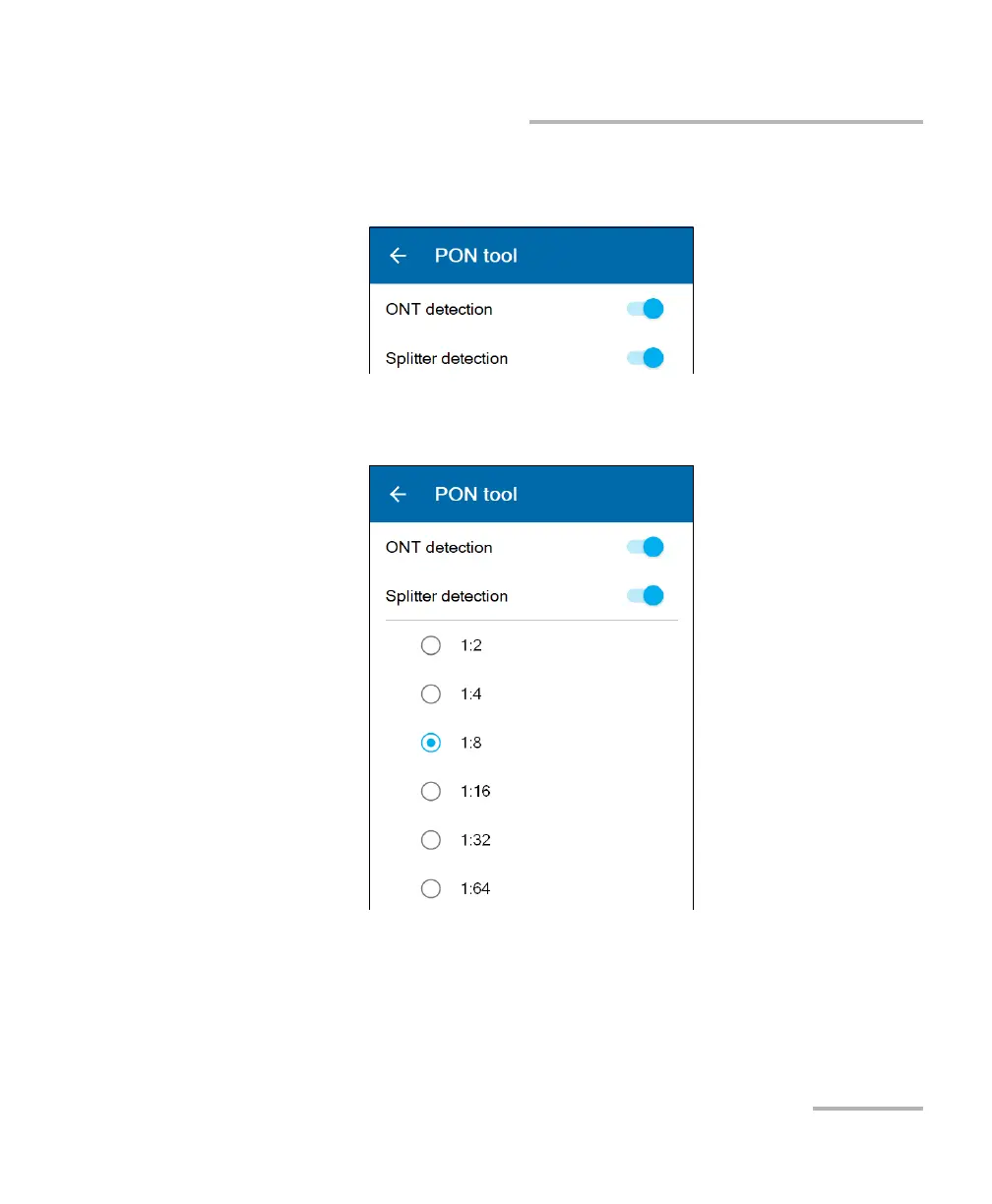
3. Ensure that the test selection suits your needs. Use the toggle buttons
to enable or disable a test.
4. If you intend to work with the splitter detection test, select the split
ratio you want to use to test the link.
Note: When working with cascaded splitters, you should always select the splitter
ratio of the splitter which is closer to the location where you perform an
acquisition. If the distance between both levels of splitters does not fit
within the minimal length specifications, the splitter detection will fail.



 To Next Page