40
SunSDR2 DX User Manual
© 2020 Expert Electronics
ExpertSDR2 SOFTWARE DESCRIPTION
To add a new profile, enter unique name in the input box and press the Enter button on your
keyboard. You may also delete selected profile, by pressing the - .
Save for each microphone – enable this checkbox to save all PROC settings separately for
each microphone. E.g. you set your Mic1 settings, then switch to Mic2 and change some
settings, then switch back to Mic1, as a result both Mic1 and Mic2 have their own different
settings. If this checkbox is unchecked, all PROC settings apply for all microphones.
Note:
·
Profile is a state of PROC settings which are not attached to any of Mic
·
With checked Save for each microphone when you switch from Mic1 to Mic2, Profiles in
PROC don't change. Even with checked Save for each microphone, you need to activate
your previously set up Profile for a certain microphone. So the procedure should be, you set up
3 different Profiles A, B, and C. When you switch from Mic1 (with A) to Mic2 you should
manually enable Profile B or C. With Save for each microphone checked each Mic saves
the latest settings it had in PROC menu, so when you change from Mic1 to Mic2 it loads the
latest settings Mic2 had.
- enable Line out via PC's Sound Card.
- enable Line out to record audio in .wav file. You can enable Convert output file to
MP3, it'll convert .wav file to MP3, file should be no longer than 30 minutes.
- press this button to clear the panorama of all displayed spots.
- Play/Record buttons. More details in the Voice Recorder operation .
- IQ-files recording is required for storing the RX bandwidth panorama (IQ). The file is
saved to the C:\Users\User_Name\ExpertSDR2\ExpertSDR2\wave\.
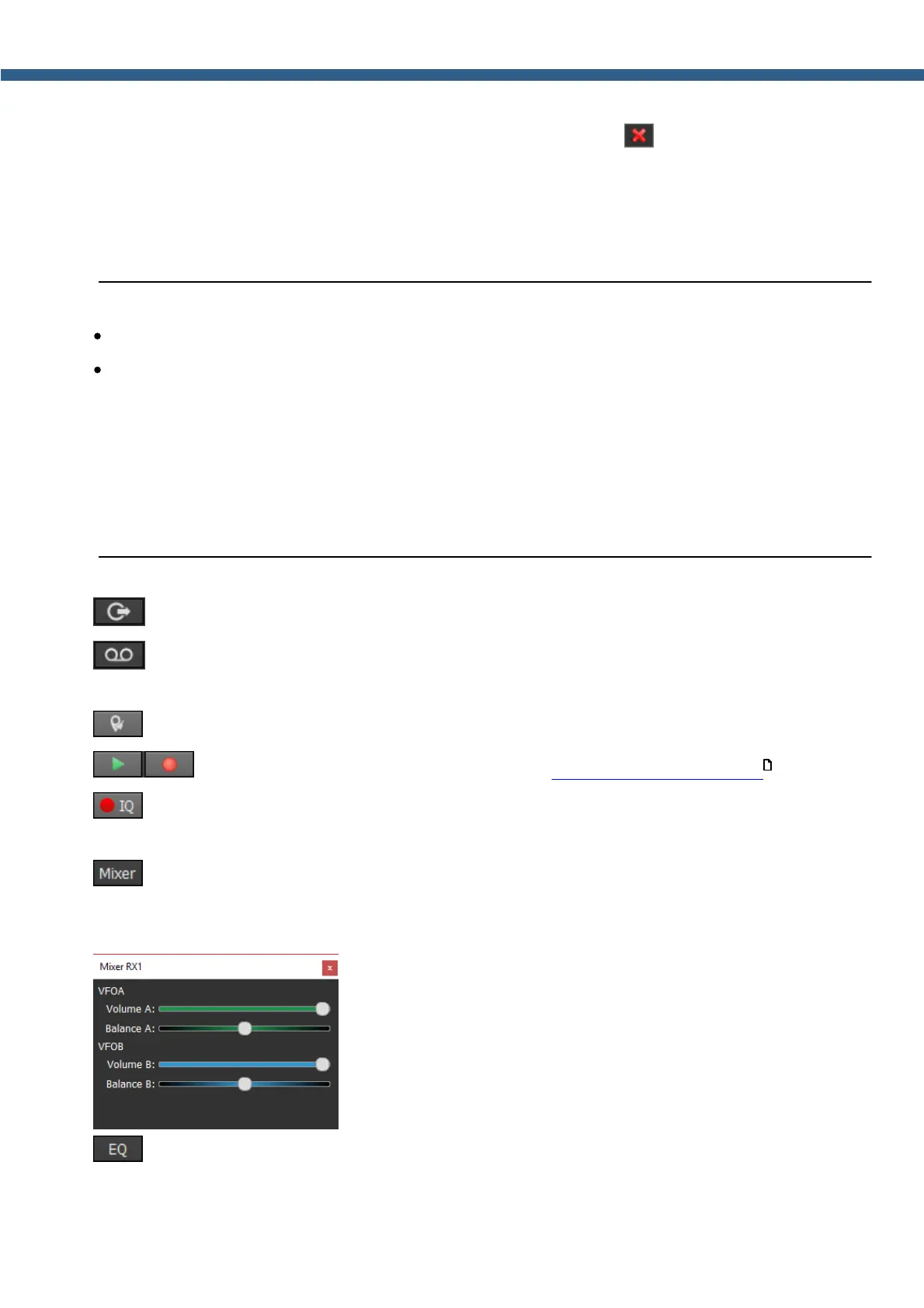
- volume and balance control menu for the first and second receivers separately (Mixer).
When you use only RX1, the Mixer settings are off, but when you enable the RX2, it activates
Mixers for both RXs.
- open the 18-band RX equalizer menu (EQ).
99



 To Next Page