42
SunSDR2 DX User Manual
© 2020 Expert Electronics
ExpertSDR2 SOFTWARE DESCRIPTION
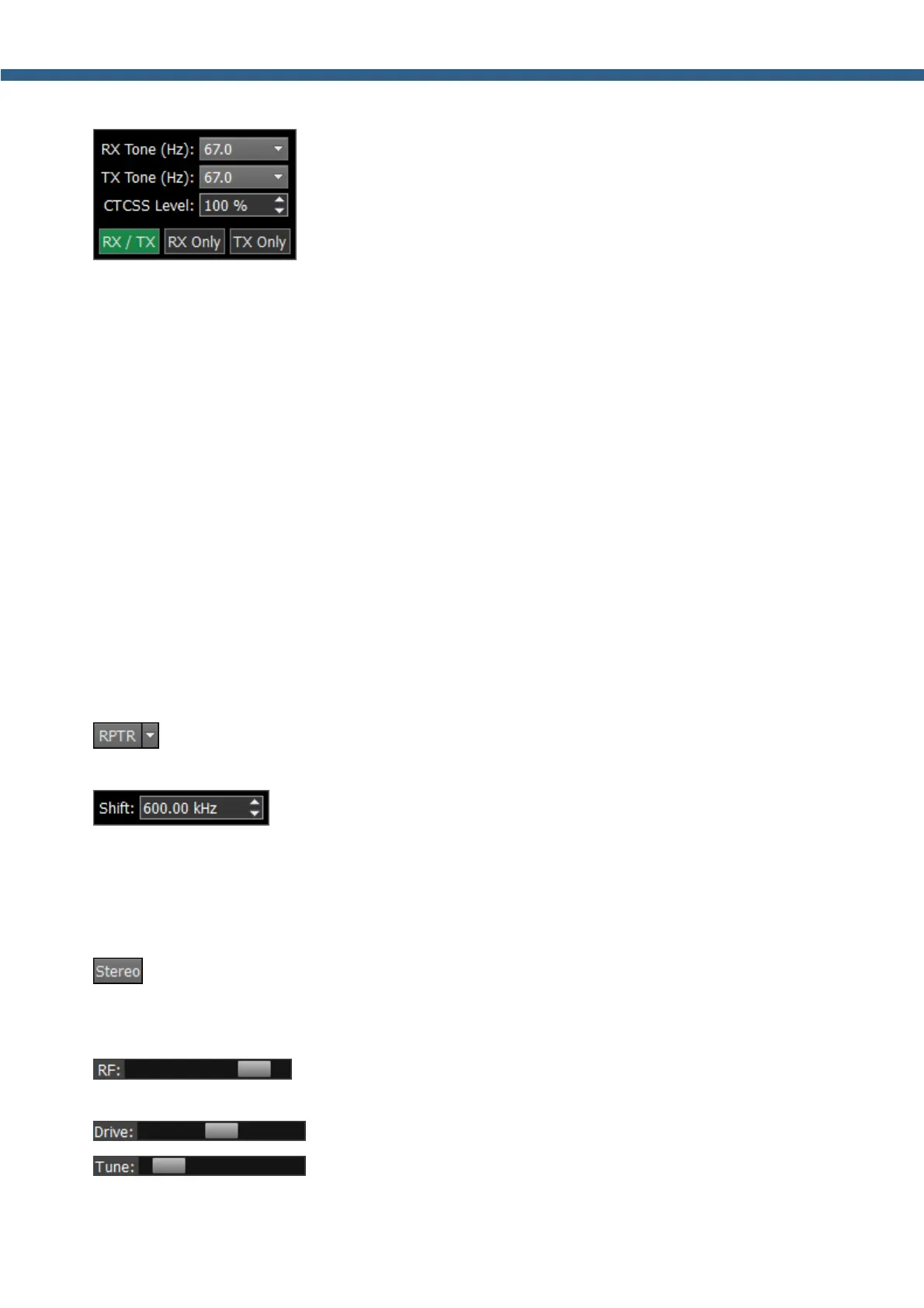
You set the CTCSS level relatively to your voice signal.
1. Set the NFM mode.
2. Set the receiver's tone frequency in the RX TONE input-box.
2.а. Set the transceiver's tone frequency in the TX TONE input-box.
3. Press one of the buttons RX/TX, RX ONLY, TX ONLY:
RX/TX - CTCSS mode is active in RX and TX modes.
RX ONLY - CTCSS mode is active in RX mode.
TX ONLY - CTCSS mode is active in TX mode.
4. Set (if required) required tone level.
By default, 15% - common value for this mode.
5. Press the CTCSS button to activate CTCSS mode.
6. Receive signals with the CTCSS tone.
6.а. Press the РТТ button on the Mic to transmit the signals with the CTCSS tone.
7. Release the РТТ button on the Mic to turn to RX mode.
- button switches the shift of the transmission frequency, to operate through a
repeater. This function is usually used on the 10M, 6M, 2M and 70cm bands.
- in the drop-down window, you can adjust the Shift frequency.
Enable the shift of the TX frequency to work through a repeater. The sub-receiver displays the
TX frequency and the main receiver displays the RX frequency.
When you enable the WFM mode, one additional button appears:
- when enabled, this function allows the software to automatically detect whether the
station is strong or not and lets you listen to it in stereo mode.
- AGC sensitivity control slider (Automatic Gain Control on classic
transceiver). The adjusted level is saved per band.
- slider for the transceiver's output power adjustment.
- slider for the transceiver’s output power adjustment while
transmitting the tone (carrier) signal.



 To Next Page