DTC4500e_User Guide_EN, PLT-01669, Rev. 1.1
2.3 Installing the Print Ribbon Cartridge
FARGO Direct-to-Card Printers require highly specialized supplies to function properly.
The FARGO DTC4500e Card Printer uses a one piece, disposable ribbon cartridge system.
To maximize printer durability, reliability and printed card quality, you must use only FARGO-certified
supplies.
Your FARGO warranty is void, where not prohibited by law, if you use supplies other than FARGO-
certified supplies.
Printer cleaning is recommended with each ribbon change to ensure quality printed cards.
Resin-only print ribbons consist of a continuous roll of a single resin color. No protective overlay
panel (O) is provided because resin images do not require the protection of an overlay.
Step Procedure
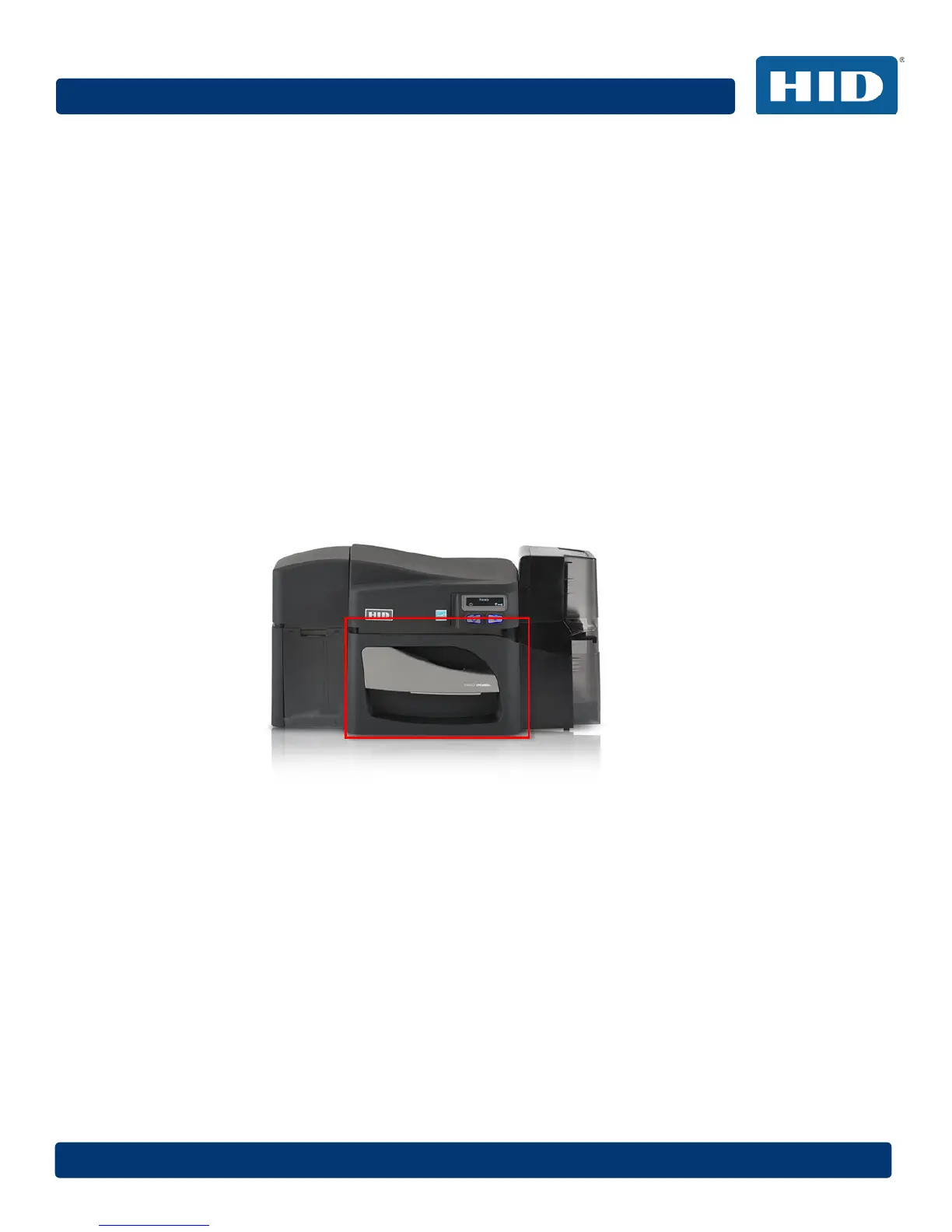
1 Pull open noted drawer.
2 Insert the print ribbon cartridge into the printer.
3 Close the front cover.



 To Next Page