DTC4500e_User Guide_EN, PLT-01669, Rev. 1.1
4.8.4 Advanced Settings
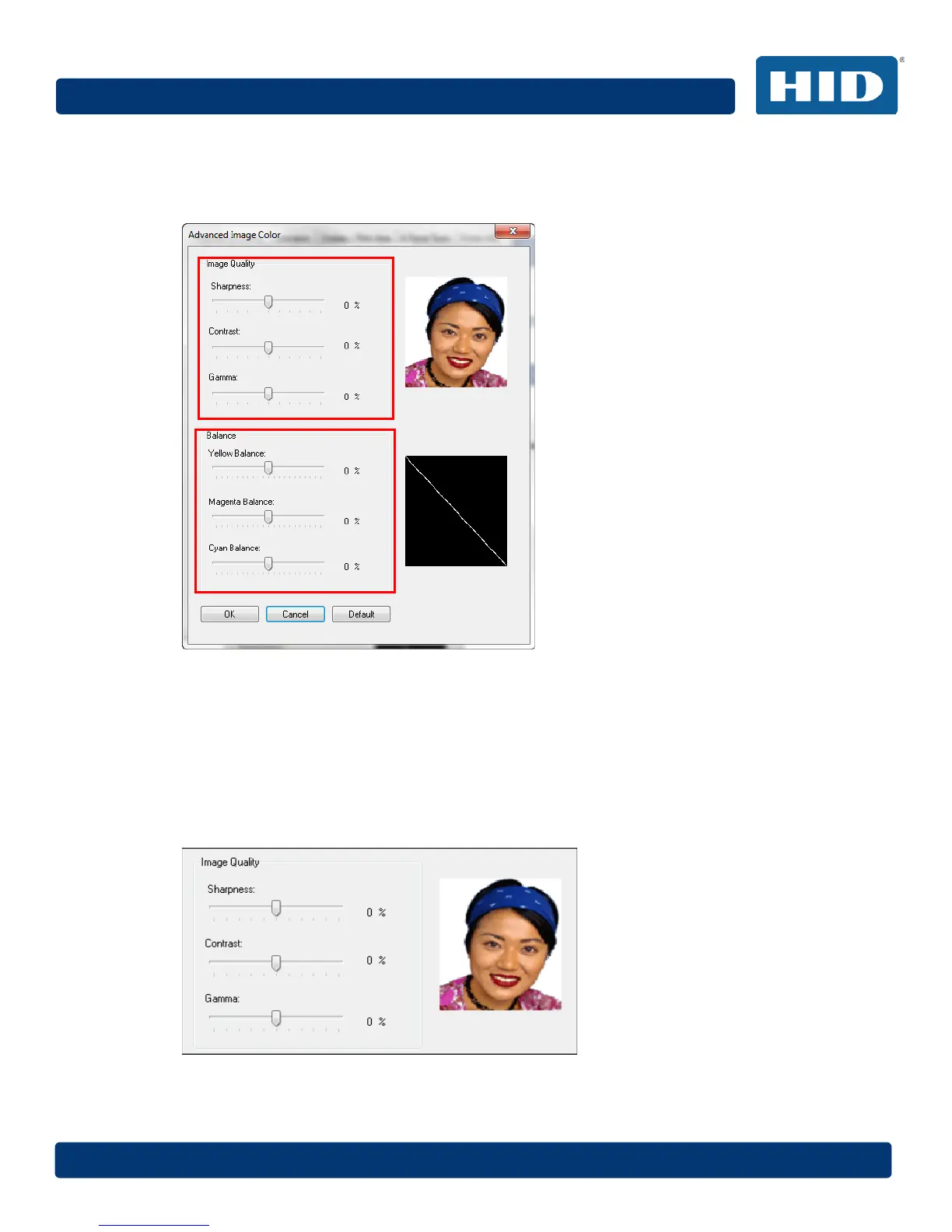
Click the Advanced Settings button to display the Advanced Image Color window.
The Advanced Image Color window includes the Image Quality and Balance areas.
4.8.4.1 Image Quality
Three options are available:
Sharpness – Move the slider to the right to sharpen the image. Move the slider to the left to
decrease sharpness.
Contrast – Move the slider to the right to increase contrast in the image. Move the slider to the left
to decrease contrast.
Gamma – Move the slider to the right to increase gamma in the image. Move the slider to the left to
decrease gamma.



 To Next Page