DTC4500e_User Guide_EN, PLT-01669, Rev. 1.1
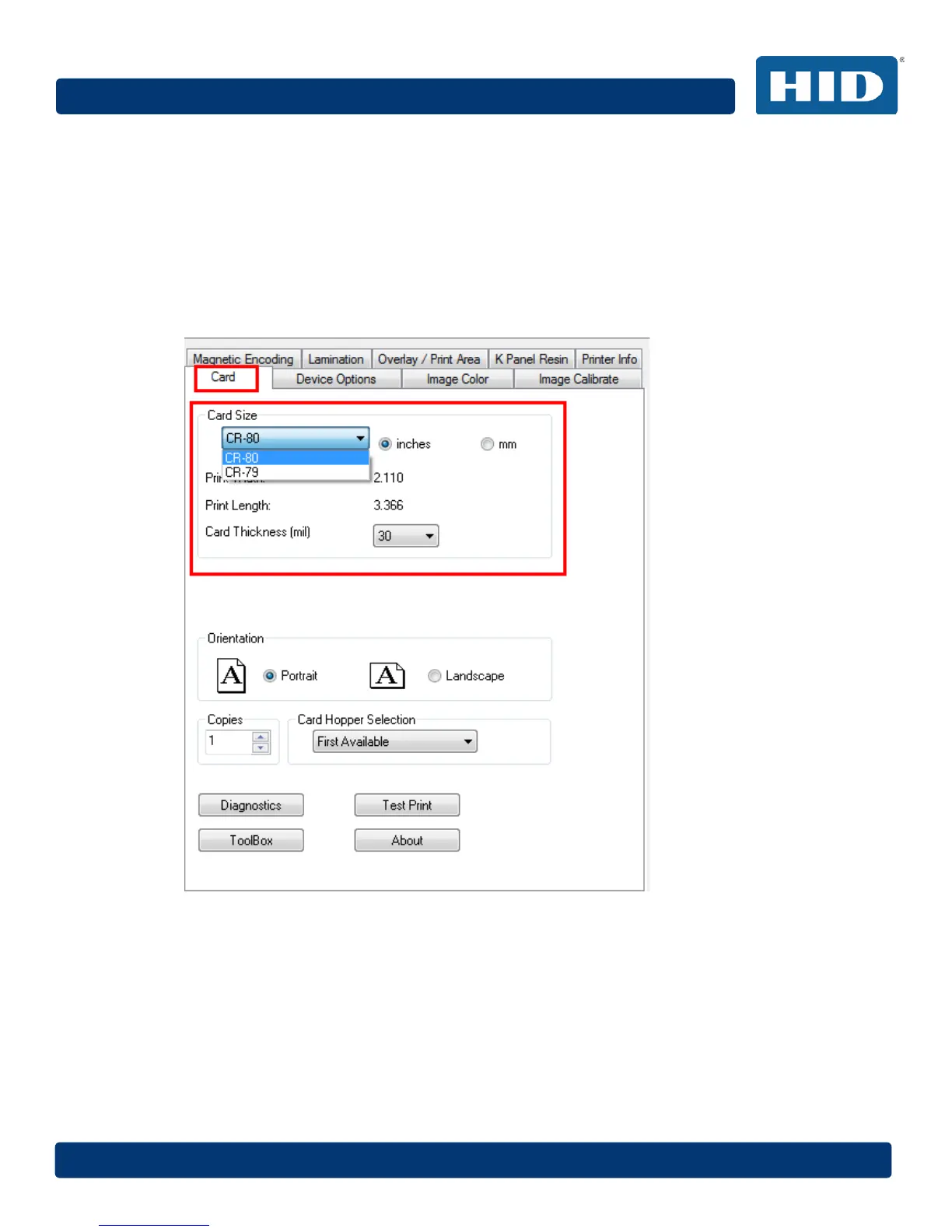
4.1.1 Card Size
The Card Size area includes the following fields:
• Standard card size – Select CR-80 or CR-79.
• Measurement units – Select inches or mm (millimeters).
• Print Width – Displays width dimension of the card.
• Print Length – Displays length dimension of the card.
• Card Thickness (mil) – Select the card thickness in mils.
4.1.2 Orientation
Select Portrait for vertical orientation or Landscape for horizontal orientation.
4.1.3 Copies
Select the number of copies to print using Test Print.



 To Next Page