DTC4500e_User Guide_EN, PLT-01669, Rev. 1.1
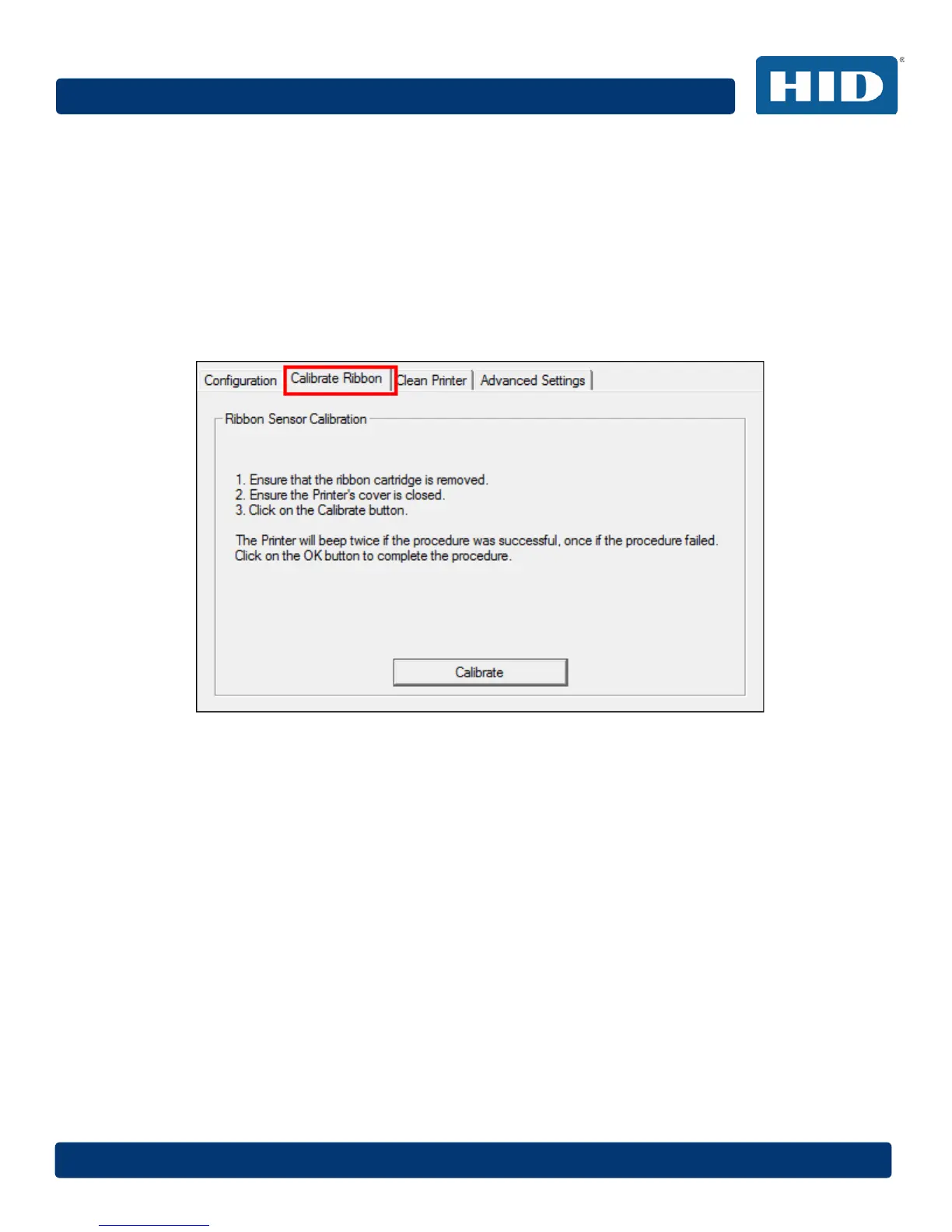
4.4 Calibrate Ribbon (Toolbox)
The Calibrate button sends the Calibrate Ribbon command to printer.
Follow the procedure to setup the printer.
Step Procedure
1 Remove the ribbon cartridge from the printer.
2 Close the printer’s front cover.
3 Select the Calibrate Ribbon tab.
4 Click Calibrate.



 To Next Page