DTC4500e_User Guide_EN, PLT-01669, Rev. 1.1
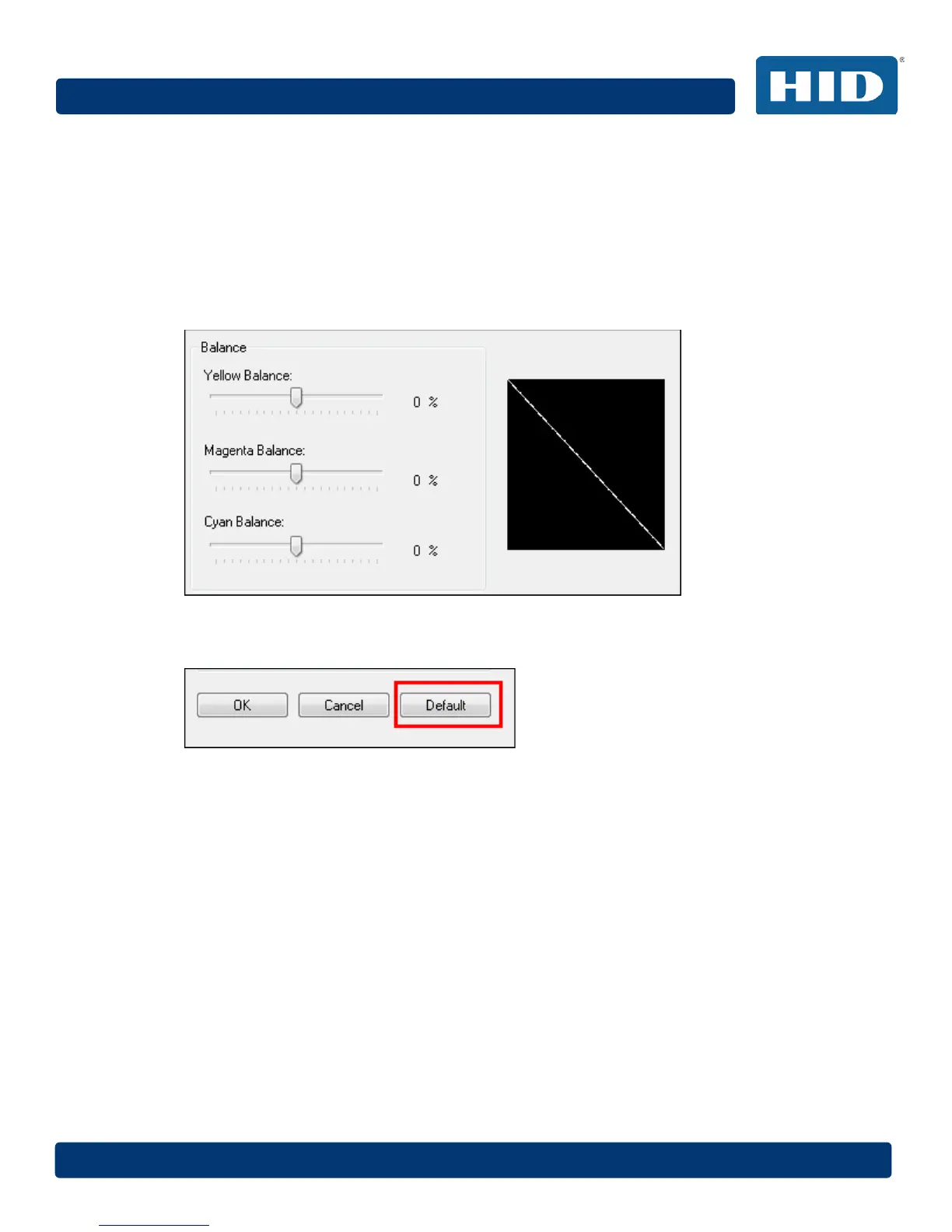
4.8.4.2 Balance
Three options are available:
Yellow Balance – Move the slider to the right to increase the amount of yellow in the image. Move
the slider to the left to decrease the amount of yellow.
Magenta Balance – Move the slider to the right to increase the amount of magenta in the image.
Move the slider to the left to decrease the amount of magenta.
Cyan Balance – Move the slider to the right to increase the amount of yellow in the cyan. Move the
slider to the left to decrease the amount of cyan.
4.8.4.3 Default
Click the Default button to return all options to their factory settings.



 To Next Page