DTC4500e_User Guide_EN, PLT-01669, Rev. 1.1
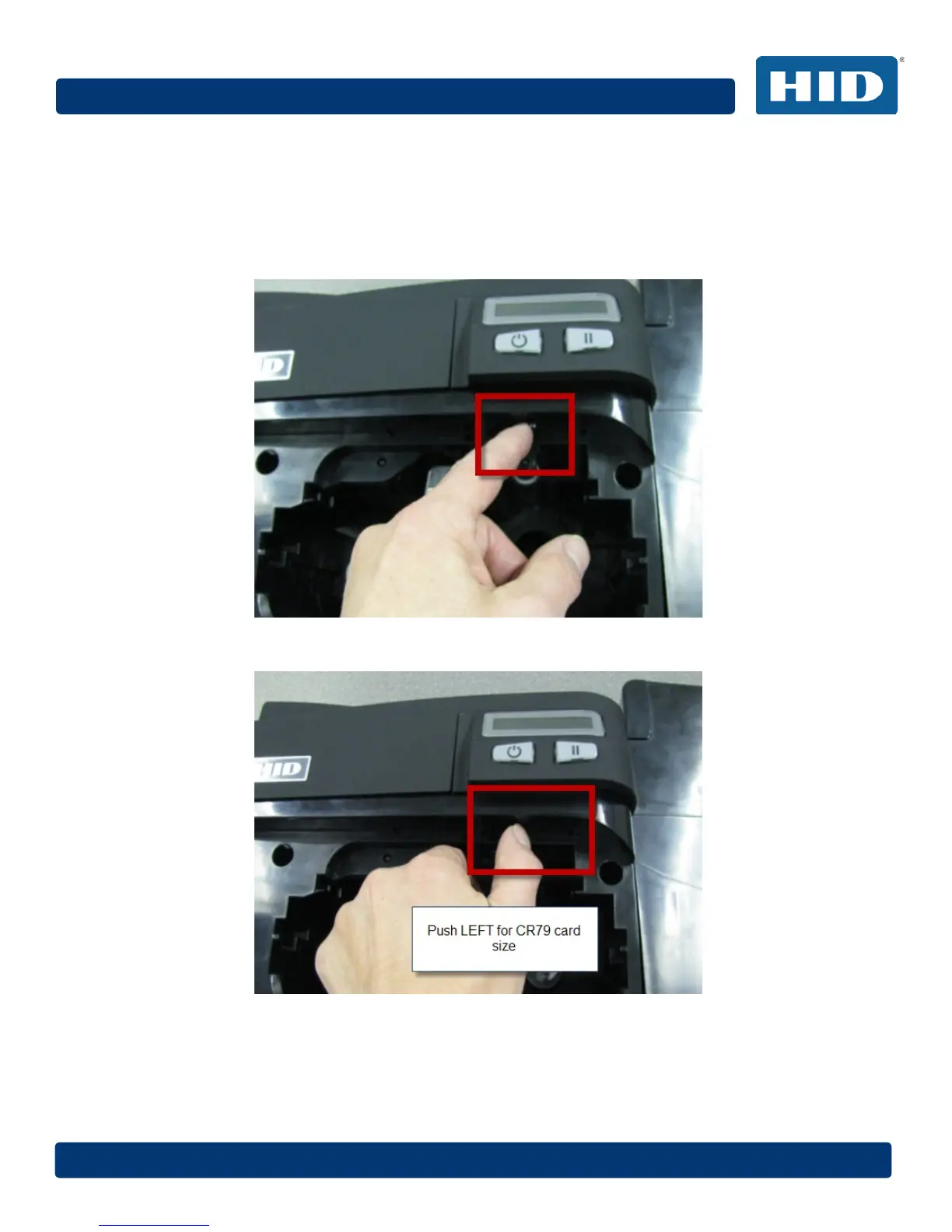
2.5 Card Size Selection
The printer uses standard size CR-70 and CR-80 cards.
Follow this procedure in the printer and in the printer driver to setup the card size.
Step Procedure
1 Open the front door and locate the slide bar.
2 If using the CR-79 card, push the slide bar to the LEFT.



 To Next Page