DTC4500e_User Guide_EN, PLT-01669, Rev. 1.1
2.6 Printer Power
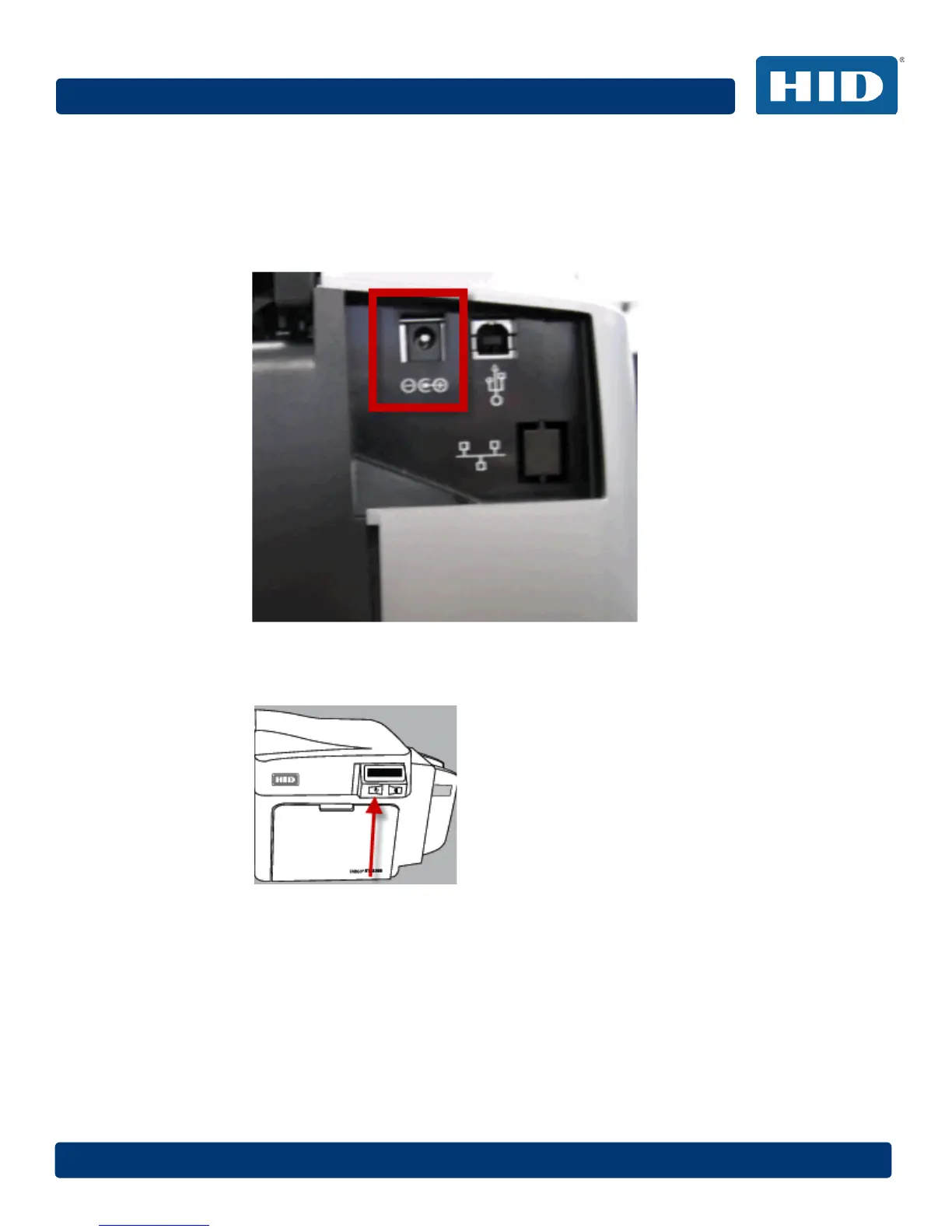
To connect power to the printer, follow this procedure.
Note: Do not connect the printer’s USB cable until prompted during the printer driver installation.
Step Procedure
1 Plug the AC adapter power cable into the back of the printer.
2 Plug the wall power cable into the AC power adapter.
3 Plug the wall power cable into a standard 100-240VAC power outlet.
4 Press the printer’s power button to power on the printer.
Note: The printer powers down during the “sleep time” but automatically powers up when a
print job is sent.



 To Next Page