DTC4500e_User Guide_EN, PLT-01669, Rev. 1.1
4.2 Configuration (Toolbox)
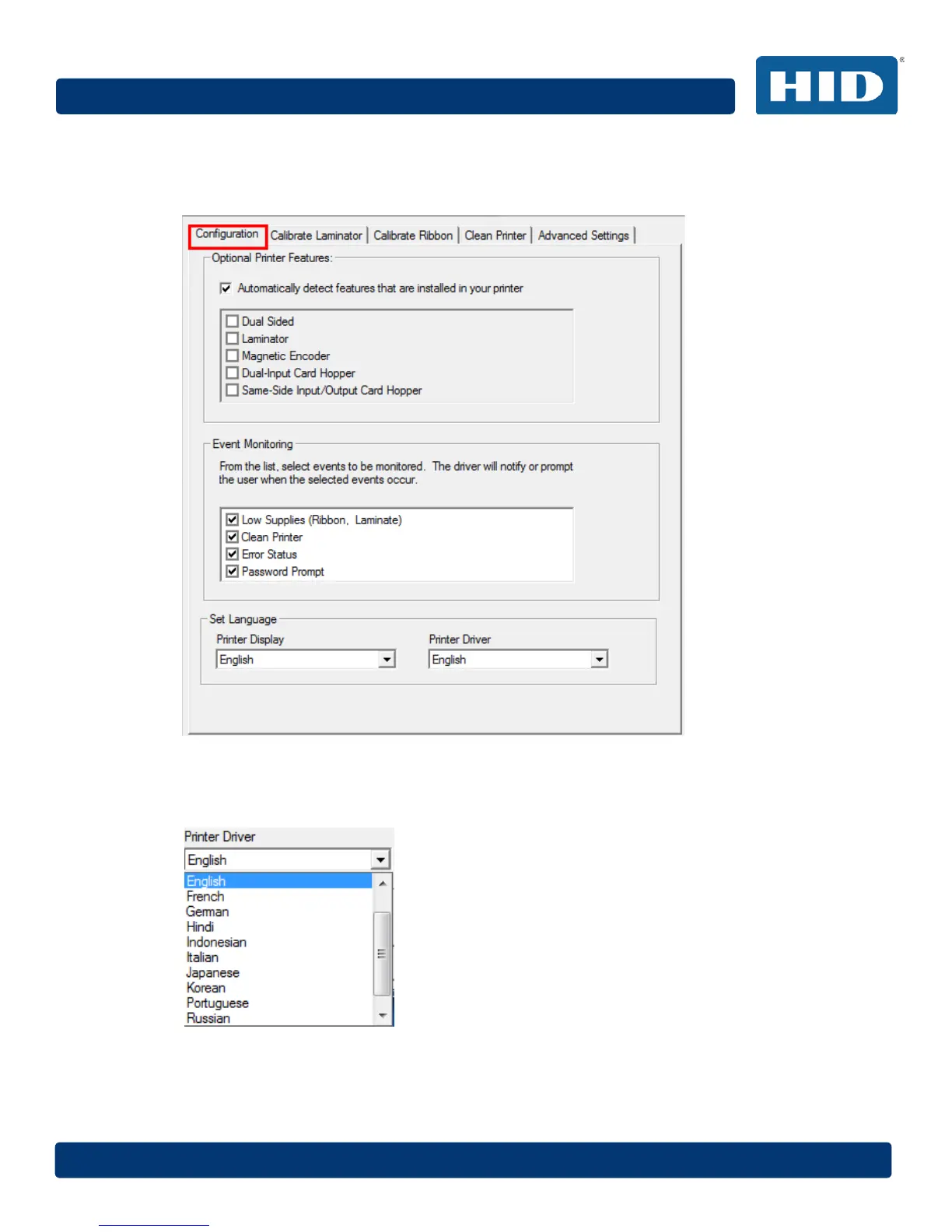
This tab is used to show the currently installed Optional Printer Features, to control Event Monitoring
and to set the Printer Driver language and Printer Display language.
4.2.1 Set Language
To switch between languages, select the preferred language, select OK twice and then open the
driver in the preferred language.



 To Next Page