DTC4500e_User Guide_EN, PLT-01669, Rev. 1.1
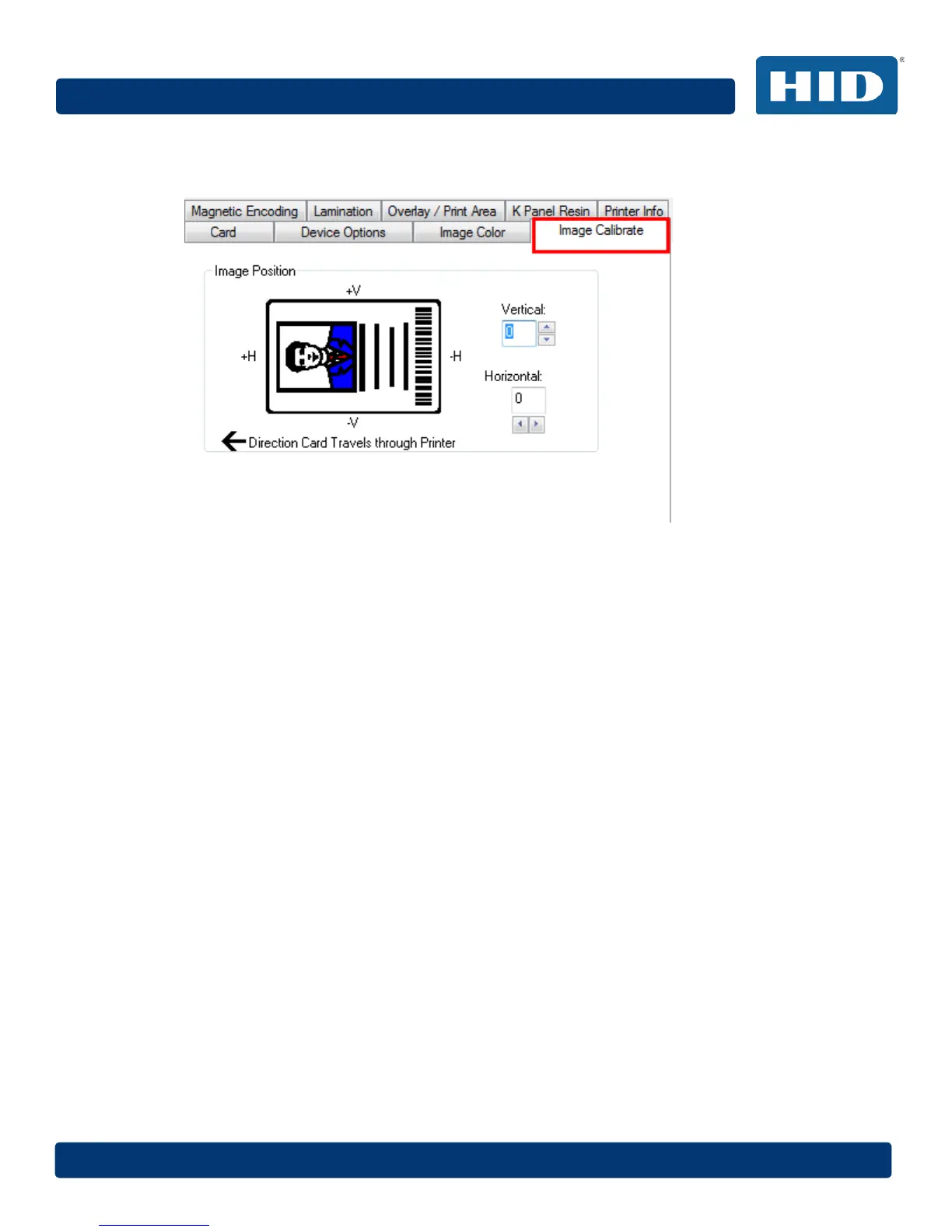
4.9 Image Calibrate Tab
Use the Image Calibrate tab to control the position of the printable area in relation to the card.
Use the Vertical and Horizontal image position controls to adjust the position of the overall print
area to be precisely centered on a card. The maximum value for the Vertical and Horizontal
adjustments is ±100 pixels (10 pixels = about .03%, .8mm).
4.9.1 Vertical
Use the Vertical adjustment to move the image toward the rear of the printer, if the adjustment is a
positive number. Enter a negative number to move the image toward the front of the printer.
4.9.2 Horizontal
Use the Horizontal adjustment to move the image toward the card output side of the printer, if the
adjustment is a positive number. Enter a negative number to move the image toward the input side
of the printer.



 To Next Page