DTC4500e_User Guide_EN, PLT-01669, Rev. 1.1
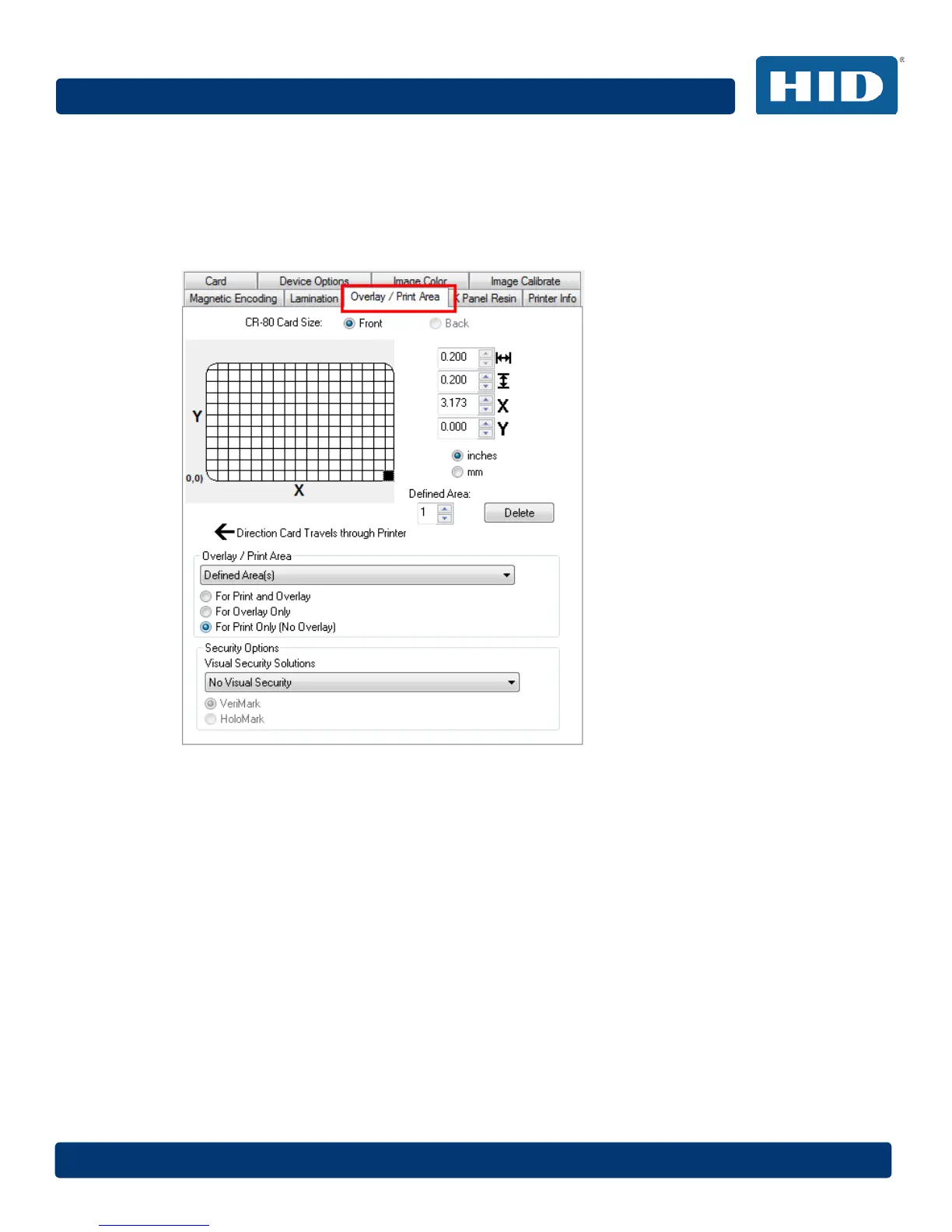
4.12 Overlay / Print Area Tab
Use the Overlay / Print Area tab to control and customize where the Overlay (O) panel and/or the
print area appear on the card. By default, this option is set to print and overlay the entire card.
The orientation of the card display area is determined by the orientation specified in your template.
For additional information, see Appendix A.
4.12.1 Defining an Overlay or Print Area
To define an overlay or print area:
Step Procedure
1 Click the Front or Back radio button to specify the side of the card to apply the area
definition.
2 Click the drop down button in the Overlay / Print Area field and select the option that serves
your purpose:
Full Card – Select this option to overlay and/or print the entire card.
Defined Area(s) – Select this option to overlay and/or print only in the selected and defined
area(s).
Undefined Area(s) – Select this option to overlay and/or print in the space outside the
selected and defined area.



 To Next Page