DTC4500e_User Guide_EN, PLT-01669, Rev. 1.1
4.11.3 Lamination Side
Selections include:
• No Lamination
• Front
• Back
• Both
4.11.4 Lamination Type
The laminate type can be specified for one or two cartridges, depending on cartridge availability.
The type of laminate affects the temperature required for lamination. You can adjust the temperature
by moving the slider.
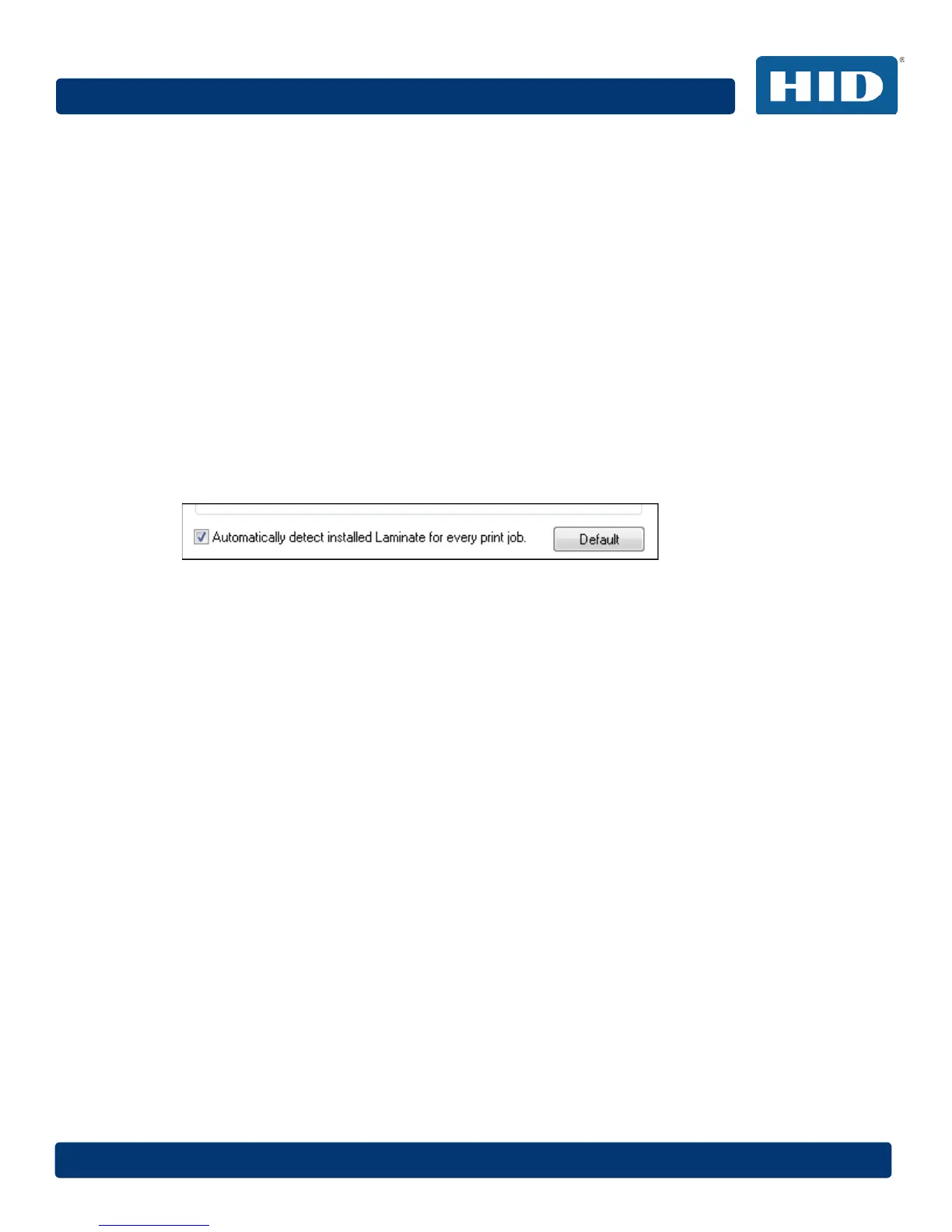
4.11.5 Automatically detect installed Laminate for every print job.
Select this option to automatically detect the installed laminate. To automatically set the lamination
dwell time and transfer temperature, click the Default button.



 To Next Page