DTC4500e_User Guide_EN, PLT-01669, Rev. 1.1
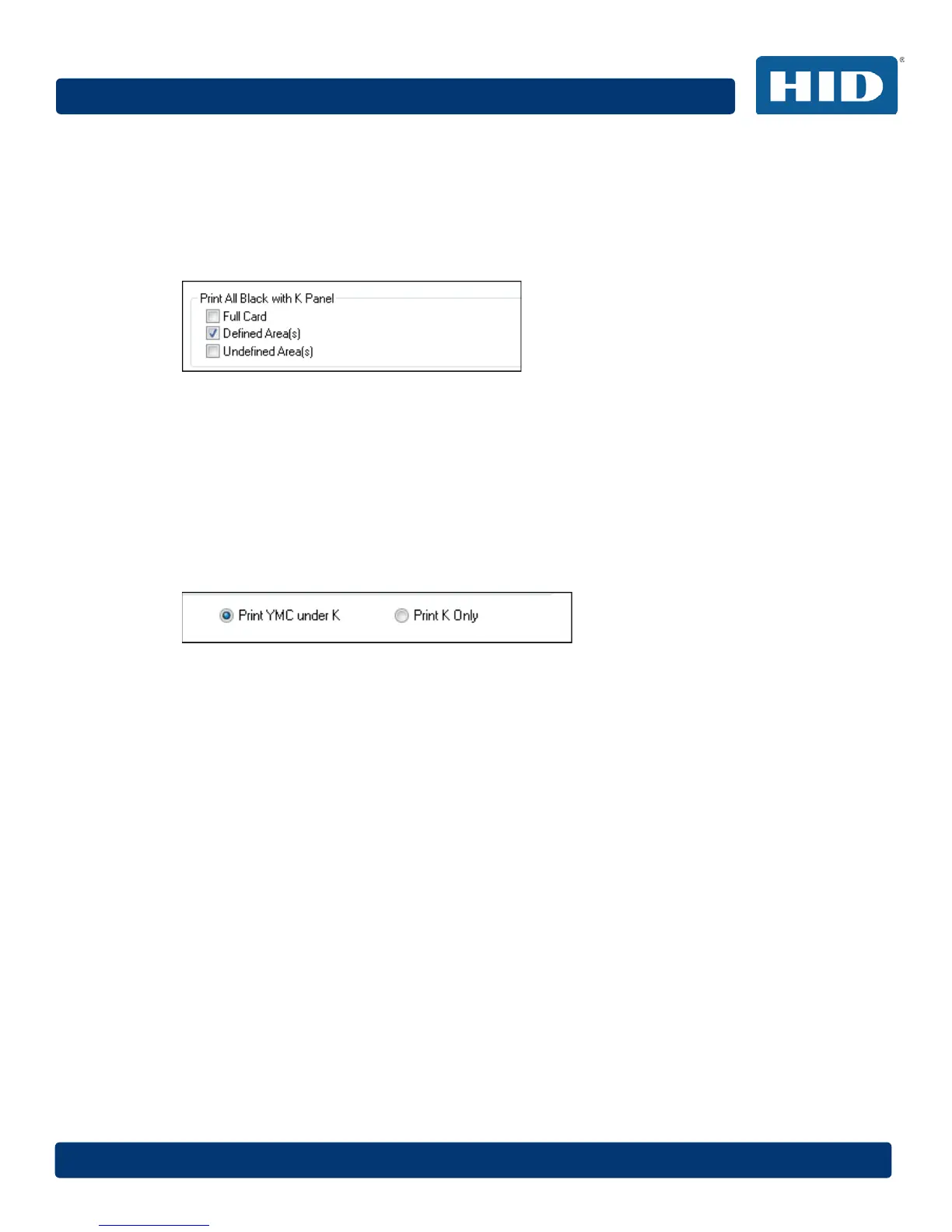
4.13.1 Print All Black with K Panel
This area includes three options:
• Full Card
• Defined Area(s)
• Undefined Area(s)
4.13.1.1 Full Card
Select this option to print the resin black (K) panel for all black found within all areas of the image.
4.13.1.2 Defined Area(s)
Select this option to overlay and/or print only in the selected and define area(s).
4.13.1.3 Undefined Area(s)
Select this option to overlay and/or print in the space outside the selected and defined area.
4.13.2 Print YMC under K
Select Print YMC under K to print all black in the designated areas with the yellow (Y), magenta (M)
and cyan (C) ribbon panels directly beneath the resin black (K) panel. This combination provides a
gradual transition between the resin black text or bar code.
4.13.3 Print K Only
Select Print K Only to print using the resin black (K) panel onto a white background to maximize the
sharpness of printed text and bar codes.



 To Next Page