DTC4500e_User Guide_EN, PLT-01669, Rev. 1.1
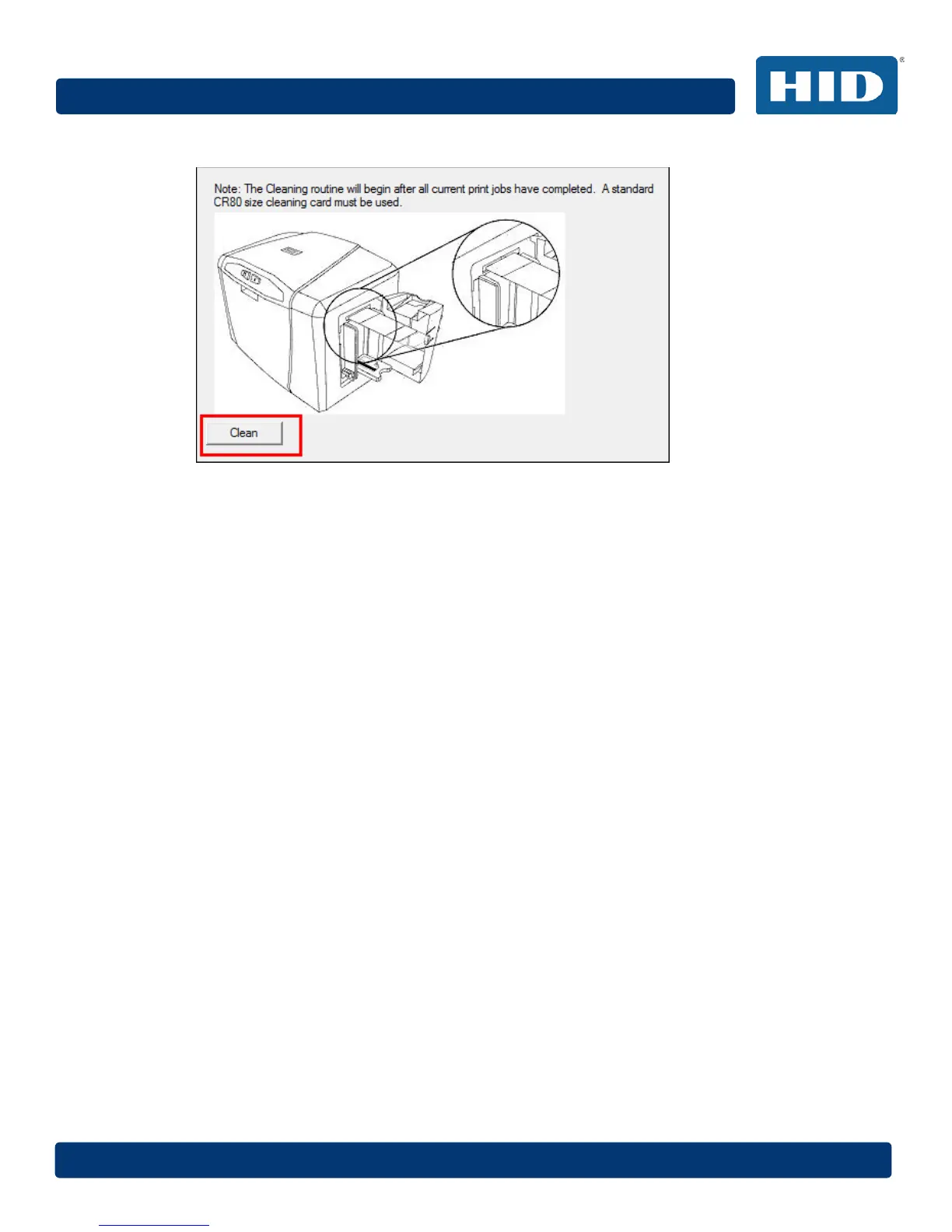
7 Click Clean.
The printer pulls in the cleaning card. The printer performs the automated cleaning
procedure.
This procedure is designed to thoroughly clean the platen and the card feed rollers inside
the printer.
4.5.5 Cleaning the Printer’s Exterior
Clean the printer only with a microfiber cloth. Do not drip water into the printer. Dry thoroughly before
printing.
Note: The printer has a durable casing that should retain its luster and appearance for many years.



 To Next Page