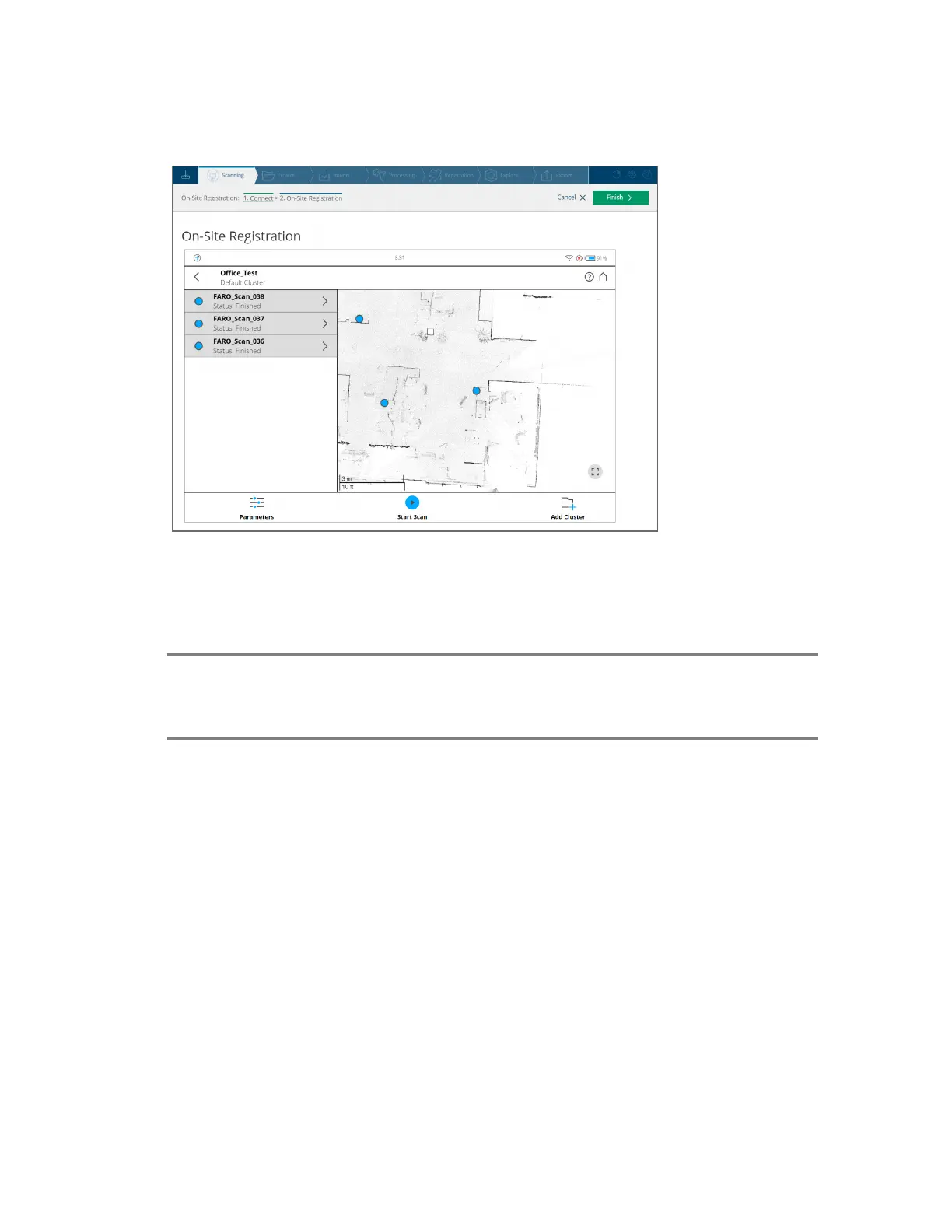
8. On the scanner home page, click Map. A map is displayed with the available scans in a project.
Figure 7-5 On-site registration overview map with list and status of scans
9. Click Start Scan to start a new scan on your scanner, or remotely in SCENE. All recorded scans on
the current cluster or project opened on the scanner are uploaded to SCENE. The scans are then
automatically processed by SCENE.
NOTE: If one scan fails to register, run a connection scan with the scanner placed between the
area of the two different scans. To validate the registration of scans, highlight their points
on the map. For more details, refer to Registration on page97
Map Page
This shows an overview of the area that has been scanned.
FARO
®
Focus Premium Laser Scanner User Manual
Chapter 7: Special Scanning Modes
FARO Focus Premium (March 2022) Page110of157


 To Next Page
 Loading...







