Opens the screen to enable or disable automatic use of the built-in sensors' data for scan registration in
SCENE or Sphere.
Scan with Color
Switches colored scan recording on or off. If switched on, the scanner also takes color photos of the
scanned environment with the integrated color camera, or PanoCam, an additional accessory. (For more
details about PanoCam refer to the Accessories Manual for the Focus Laser Scanner.) These photos are
taken immediately after the laser scan, and are used in the point cloud processing software SCENE or
Sphere to automatically colorize the recorded scan data.
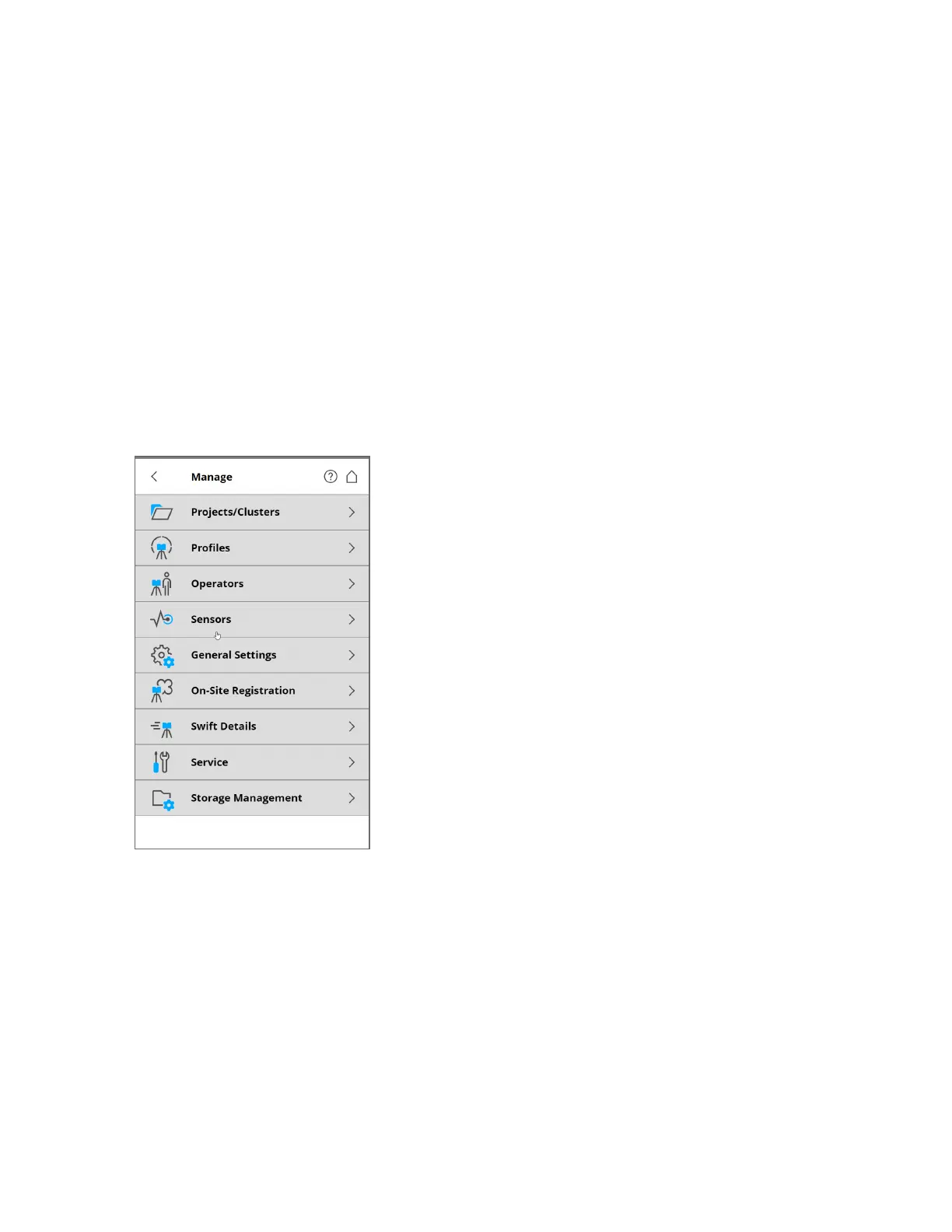
Manage
Figure 6-10 Manage
Projects/Clusters
Selects the current scan project; creates a new, or edits an existing, project. Tap to get a list of all
available projects. See Scan Projects and Clusters on the next page.
Profiles
Selects the current scan profile; creates a new, or edits an existing, scan profile. See Selected Profile on
page76.
Operators
Selects the current scanner operator; creates a new, or edits an existing operator. See Operators on
page78.
FARO
®
Focus Premium Laser Scanner User Manual
Chapter 6: Controller Software
FARO Focus Premium (March 2022) Page70of157



 To Next Page