NOTE: Ensure that the contacts in the accessory bay are clean before using. If not, clean with a cotton
swab soaked in isopropyl alcohol.
Battery Side
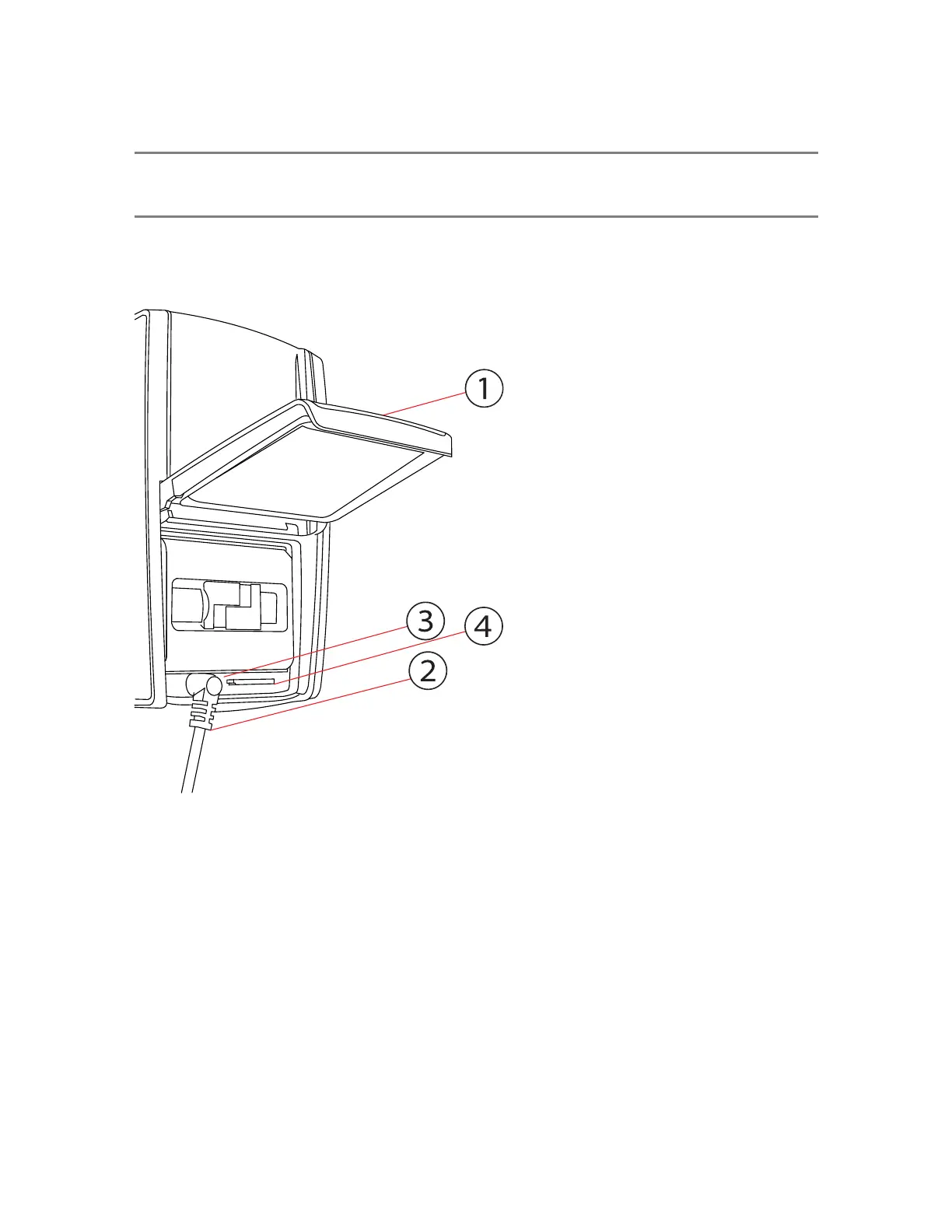
Figure 4-2 Battery Side of the FAROFocus Premium
①
Battery compartment cover
②
Socket to plug in the external power supply (ACCS-PWR-0010)
③
LED showing battery status
④
SD card slot
FARO
®
Focus Premium Laser Scanner User Manual
Chapter 4: Parts and Their Functions
FARO Focus Premium (March 2022) Page16of157



 To Next Page