If a sensor is outside of the recommended operating temperature, but not yet critical, the temperature
display is highlighted in yellow. Scanning is still possible, but we recommend letting the scanner either
warm up or cool down until the temperature display is again highlighted in green.
If the temperature is too high or too low, the temperature display is highlighted in red. In that case,
scanning is not possible. The scanner shuts down within a few minutes.
Fan cooling switches the scanner's integrated fan on or off.
If the temperature is above the critical limit, ensure that the fan is switched on. If not, switch it on.
NOTICE: Switch the fan off in exceptional cases only!
If the fan is switched off for long periods, the scanner can overheat, resulting in an aborted
scanning process or causing damaged.
Inclinometer (Dual-Axis Compensator)
Manage > Sensors > Inclinometer
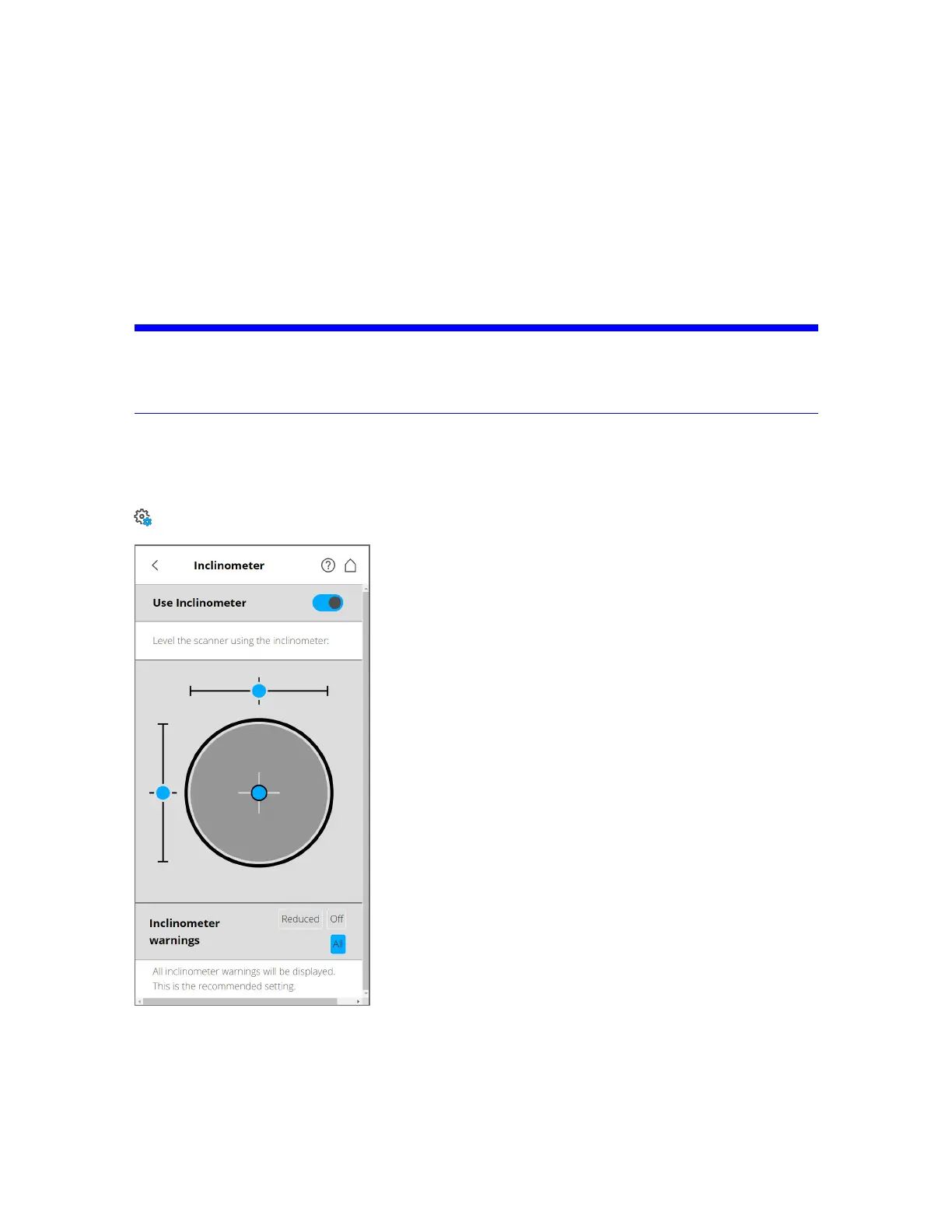
Figure 6-18 Inclinometer
Level the Scanner Using Inclinometer
The view displays a bulls-eye bubble level inclinometer, as if it were mounted on top of the scanner. If
the background color is gray, the inclinometer is leveled within 2 degrees. The background color of the
FARO
®
Focus Premium Laser Scanner User Manual
Chapter 6: Controller Software
FARO Focus Premium (March 2022) Page81of157



 To Next Page