NOTICE: The status indicator is not waterproof. Do not use the indicator in the rain, or where water
could drip onto it.
Inserting the status indicator
1. Check the gold plated contact pins of the status indicator before inserting it into the accessory bay.
Clean with a dry cotton swab if necessary.
2. Ensure that the laser scanner is switched off.
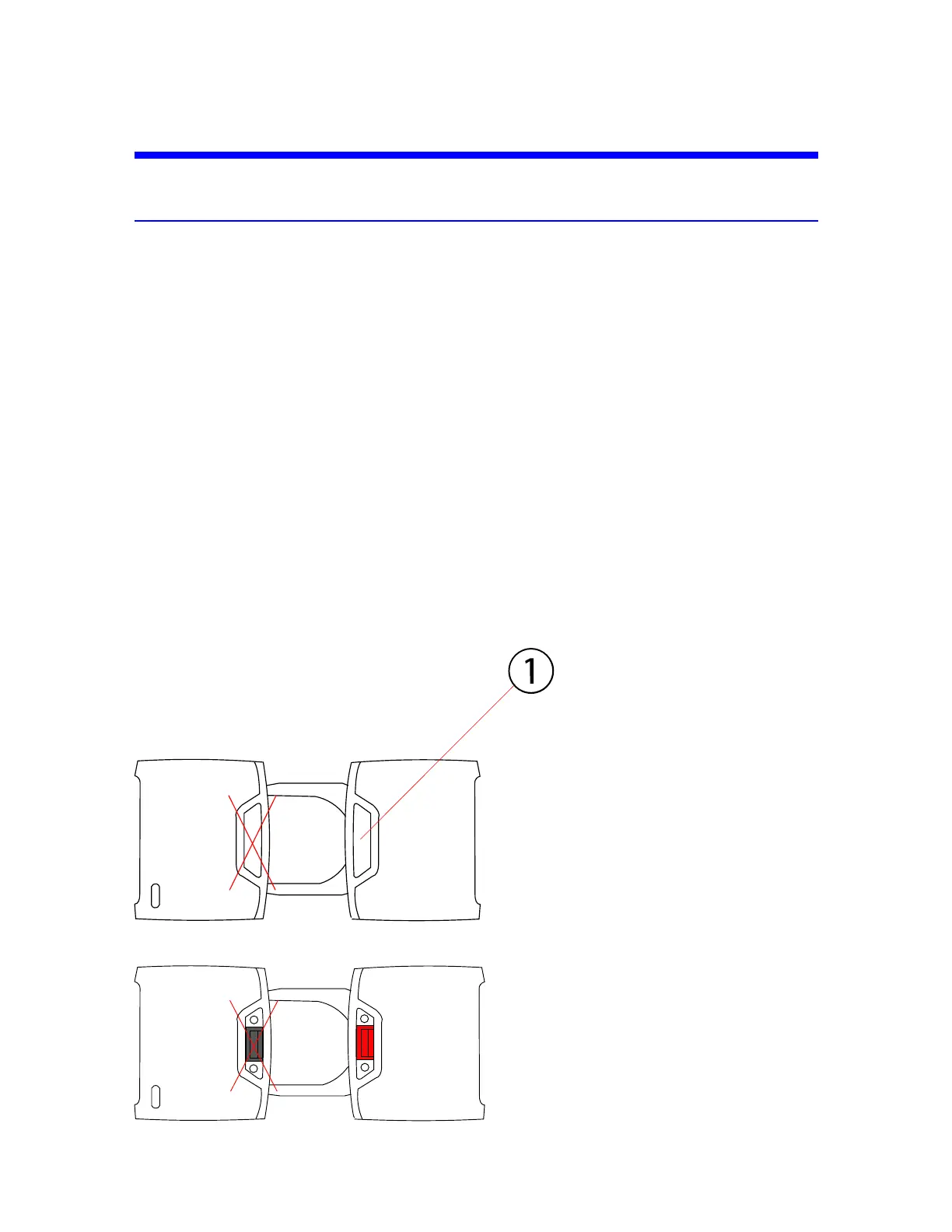
3. Remove the protective cover from the accessory bay on the right side of the scanner ①. To remove
the cover:
a. The cover is removed by pressing down on one side of the cover (indicated by ① ), which
causes the other side to pop up.
b. Grasp the side that is now elevated from both sides and pull the cover completely out of the
bay.
c. Place the protective cover in the small slot in the case foam located beside the USB card reader.
4. Insert the status indicator into the accessory bay. The correct bay is colored red.
Figure 4-7 : Accessory bay for the status indicator with covers
FARO
®
Focus Premium Laser Scanner User Manual
Chapter 4: Parts and Their Functions
FARO Focus Premium (March 2022) Page21of157



 To Next Page