Description of Project Button Icons
Project
Project has clusters that are currently shown (list is expanded
accordingly)
Cluster
Selected Profile
Parameters > Selected Profile
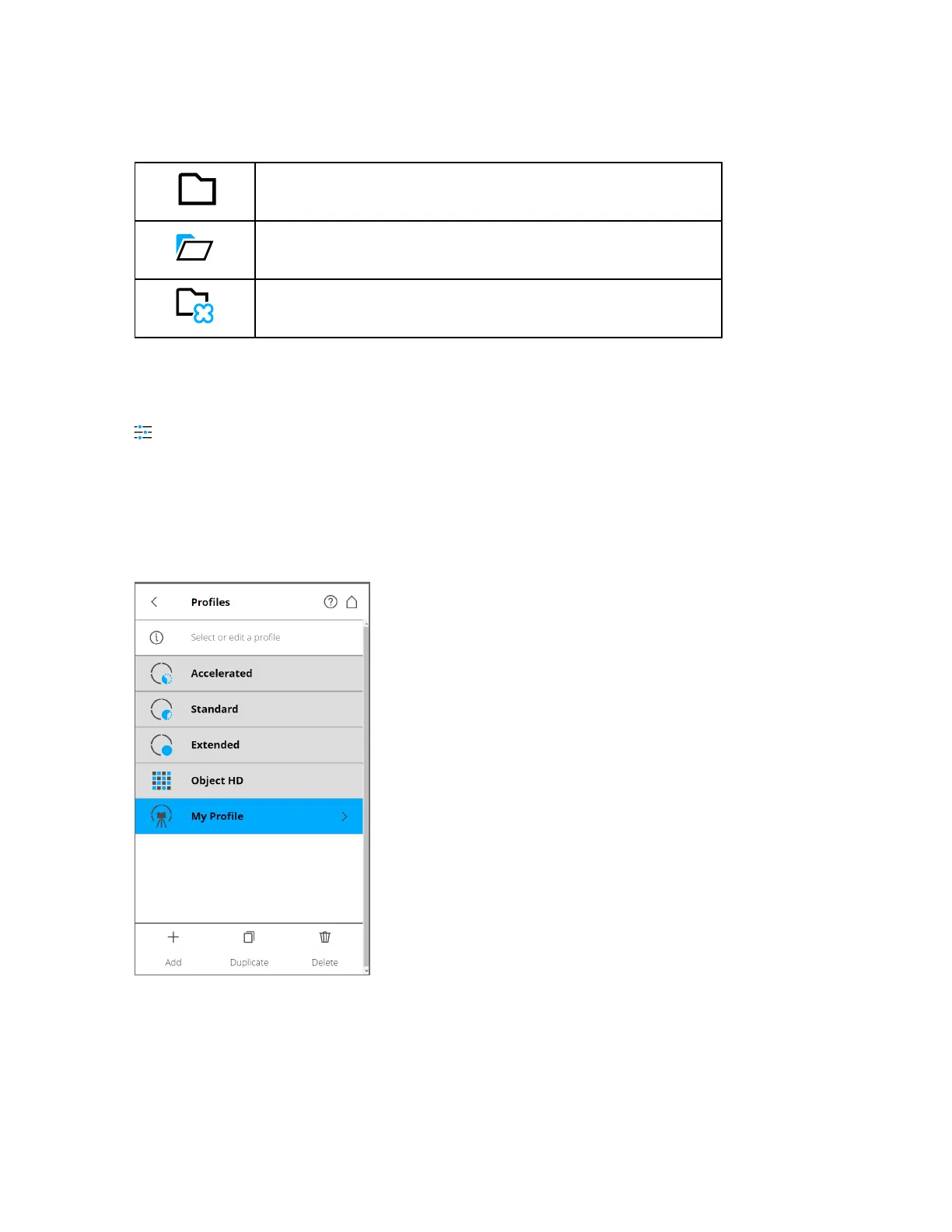
Selecting scan profiles to use their parameters for the next scan has already been described in Setting the
Scanning Parameters on page40. This chapter will describe how to add new and how to edit existing
scan profiles.
The Profiles page displays a context sensitive toolbar at the bottom to add, duplicate, delete, or modify
profiles.
Figure 6-14 Profiles
FARO
®
Focus Premium Laser Scanner User Manual
Chapter 6: Controller Software
FARO Focus Premium (March 2022) Page76of157



 To Next Page