Editing a Scan Project
To edit a scan project, select it in the list, then tap it again to reach to its details view.
Selecting a Scan Project
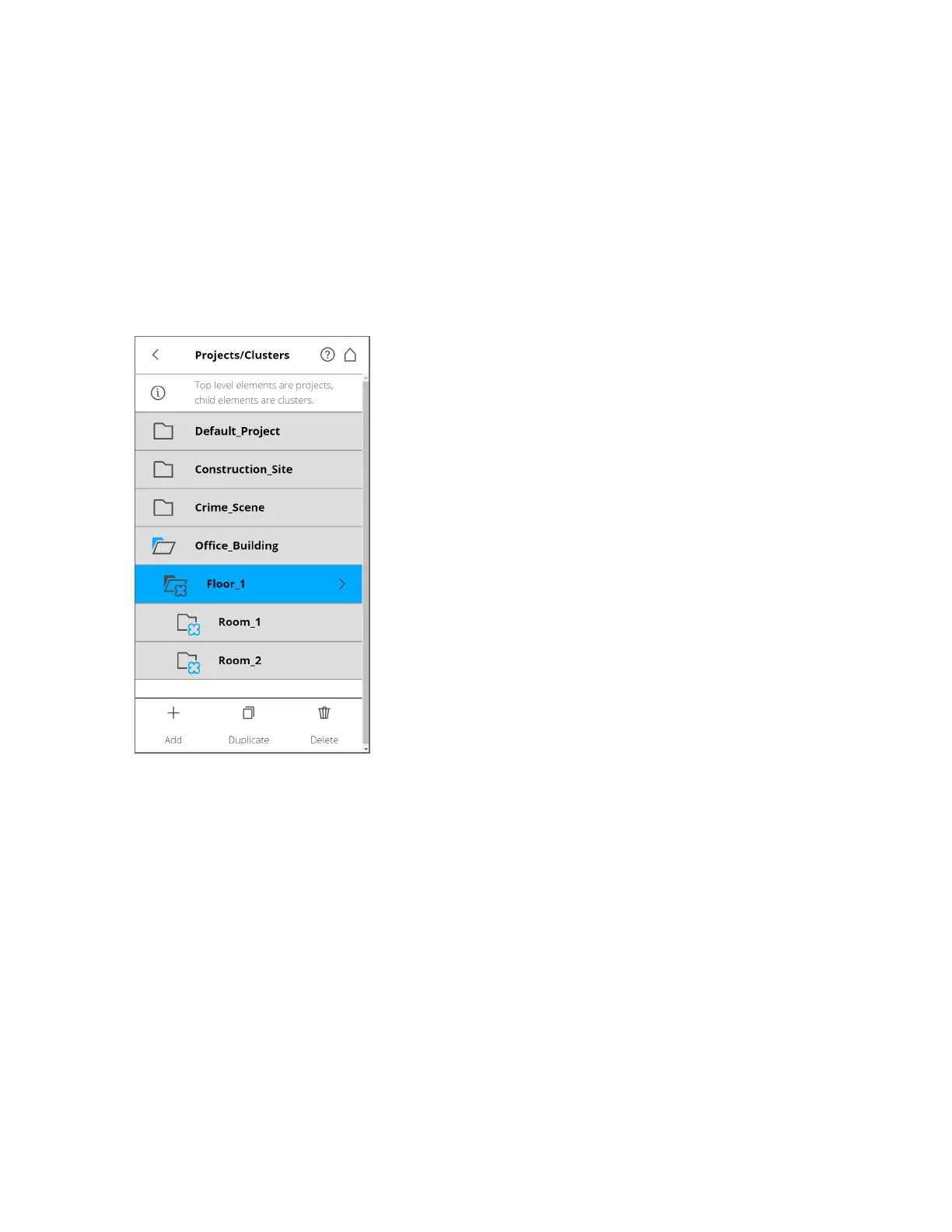
Figure 6-13 Project List
The project list contains the currently selected project, plus all other projects stored on the SSD or SD
card.
To select a project, tap it in the list. The selected project is highlighted. To view or change details of the
selected project, tap it once more.
To display available clusters of a project, select it to expand the list.
If the list of projects exceeds the screen size, scroll up or down with the scroll buttons at the bottom.
FARO
®
Focus Premium Laser Scanner User Manual
Chapter 6: Controller Software
FARO Focus Premium (March 2022) Page75of157



 To Next Page