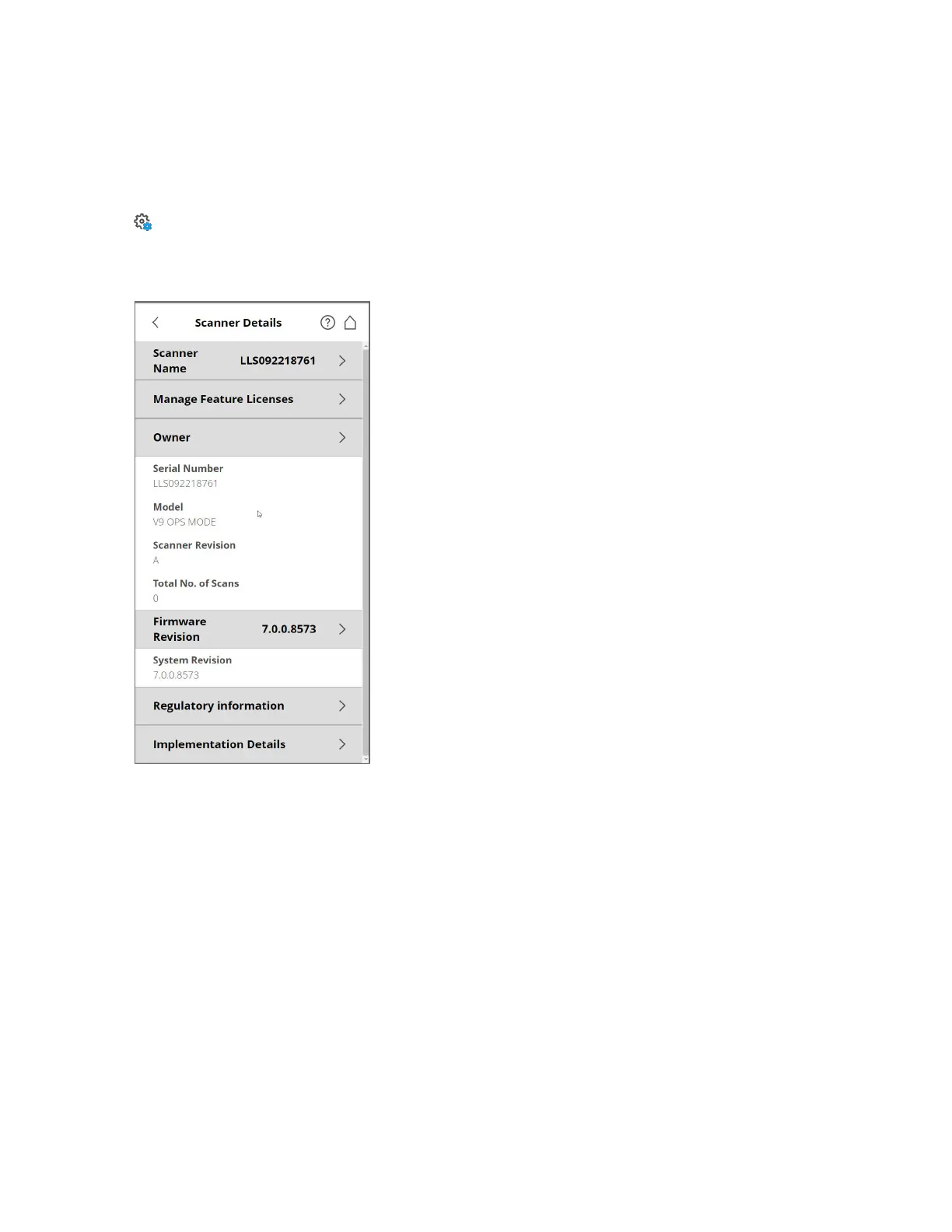
Scanner Details
Manage > General Settings > Scanner Details
You can specify a scanner name and the owner of the FAROFocus Premium. By default the scanner
name is the serial number of the scanner.
Figure 5-12 Scanner Details
Scanner name - Tap to change the name of the scanner.
Manage Feature Licenses: Tap to add and manage additional feature licenses (e.g., range extensions or
Swift licenses). Contact your FARO sales representative for further information.
Owner - Tap to enter the name of the company or person, who owns the scanner.
See also Scanner Details on page96.
Scanning
This chapter gives you a brief description on how to set the scanning parameters to capture your first
scans. Normally, you would provide and enter project information before starting with your scan project.
This is described later. See Scan Projects and Clusters on page71.
FARO
®
Focus Premium Laser Scanner User Manual
Chapter 5: Getting Started
FARO Focus Premium (March 2022) Page39of157



 To Next Page