Color State
Violet blinking Battery charging. Charge at < 5%
Red blinking Battery charging. Charge at 5% - 15%
Orange blinking Battery charging. Charge at 15% - 25%
Yellow blinking Battery charging. Charge at 25% - 95%
Green blinking Battery charging. Charge at >95%
Green (full charged) ~100%
White no battery
Cyan blinking quickly error
Maintenance of PowerDock Battery Charger
The PowerDock battery charger does not require much maintenance. If the charger becomes dirty or
dusty, clean it with a soft dry cloth. If necessary, dampen the cloth with isopropyl alcohol. Always
unplug the PowerDock Battery Charger and remove the battery before cleaning with alcohol. Be
cautious and do not damage or bend the connectors.
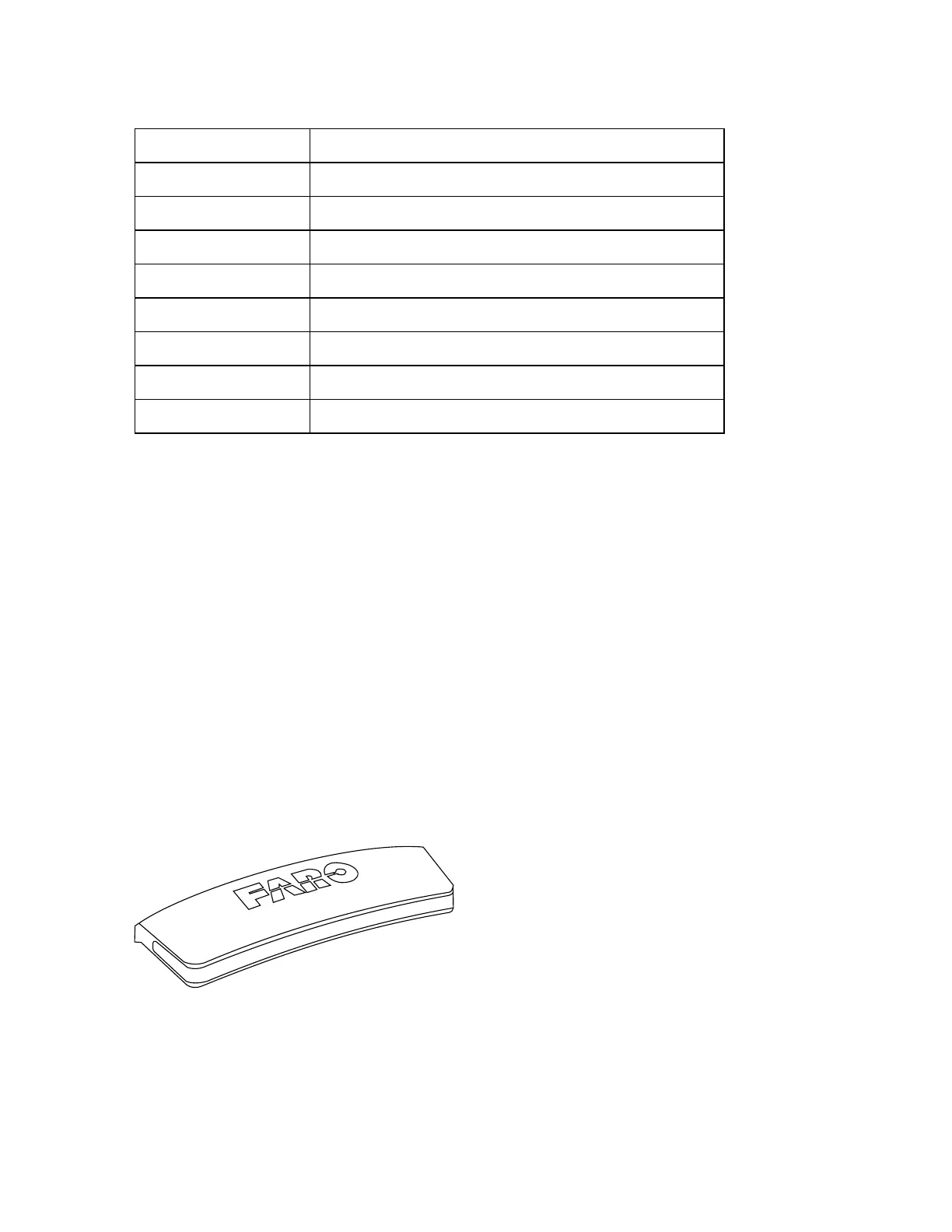
Status Indicator
The status indicator enables you to see the scanner’s LED colors and blink codes from more positions
and from a greater distance. The scanner’s LED indicator on the on/off button is switched off when the
status indicator is installed.
The status indicator is suitable for indoor or outdoor use.
The light of the status indicator is visible from all sides of the scanner except the side with the touch
screen.
The status indicator can function no matter the orientation of the scanner—even if it is upside-down.
Figure 4-6 : Status Indicator
FARO
®
Focus Premium Laser Scanner User Manual
Chapter 4: Parts and Their Functions
FARO Focus Premium (March 2022) Page20of157



 To Next Page