Setting up the FAROFocus Premium
WARNING: Danger of injuries, especially to children or kneeling persons
Injuries may result, if the FAROFocus Premium overturns.
- The FAROFocus Premium may only be used on a flat, stable surface.
- If using a cart or tripod dolly, move the setup with special care. Never move the cart by
pulling at the power cables. Pushing or pulling the cart with too much force, sudden
stops, or over an uneven surface can upset of the FAROFocus Premium.
- In windy conditions, use sandbags to stabilize each foot of the tripod. You can also
place a weight on the ground under the tripod, then stretch a rope or shock cord between
the tripod's center hook and the weight.
Setting up the Tripod
For optimal performance, the base on which the scanner rests must be absolutely motionless. Any
vibration or oscillation in the tripod or the ground on which the tripod stands can reduce the accuracy of
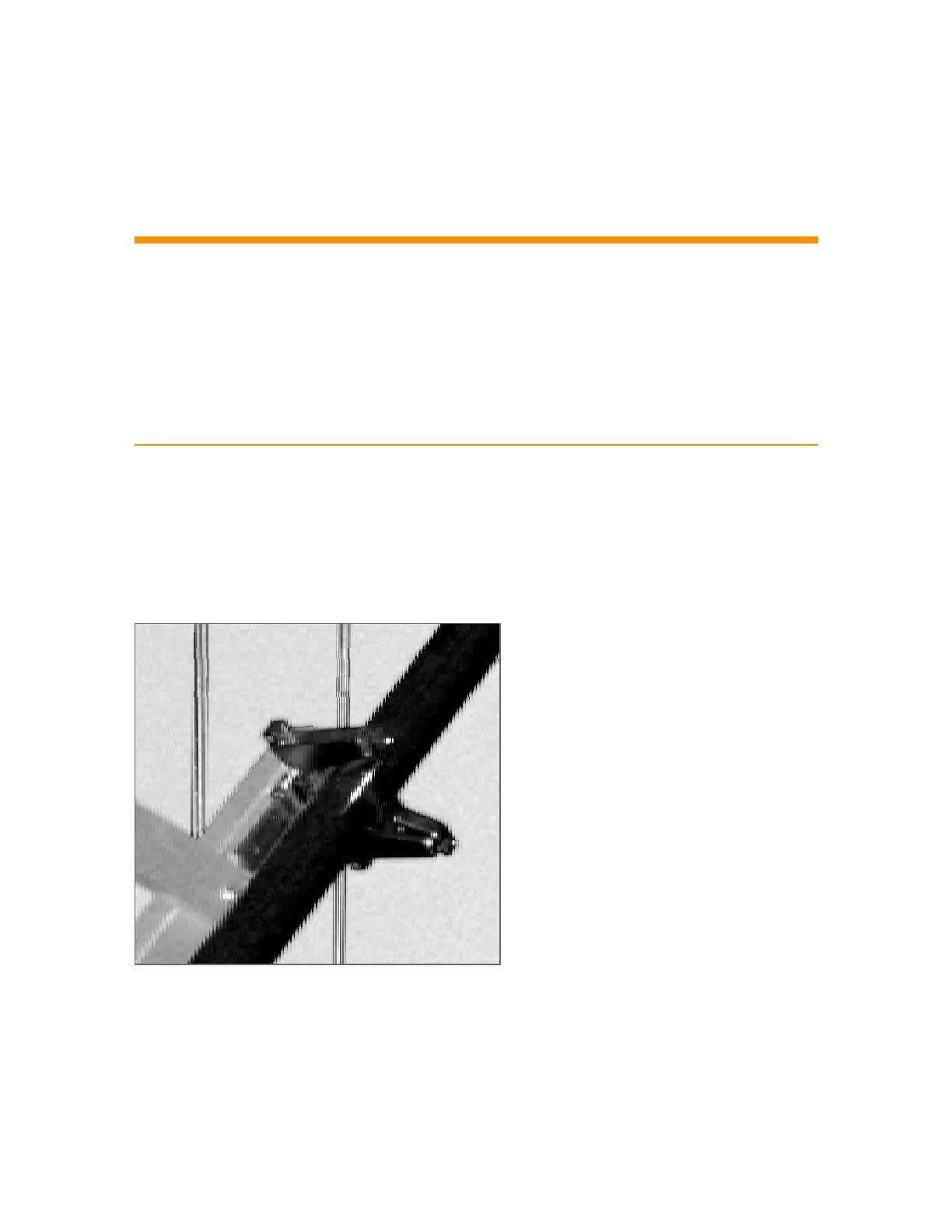
the scan, and can lead to fringed or ghost lines, as shown below.
Figure 5-5 Sample scan result due to scanner vibration during data acquisition
Use a high-quality tripod. FARO recommends the GITZO ACCSS8032, available only from your FARO
sales representative.
FARO
®
Focus Premium Laser Scanner User Manual
Chapter 5: Getting Started
FARO Focus Premium (March 2022) Page29of157



 To Next Page