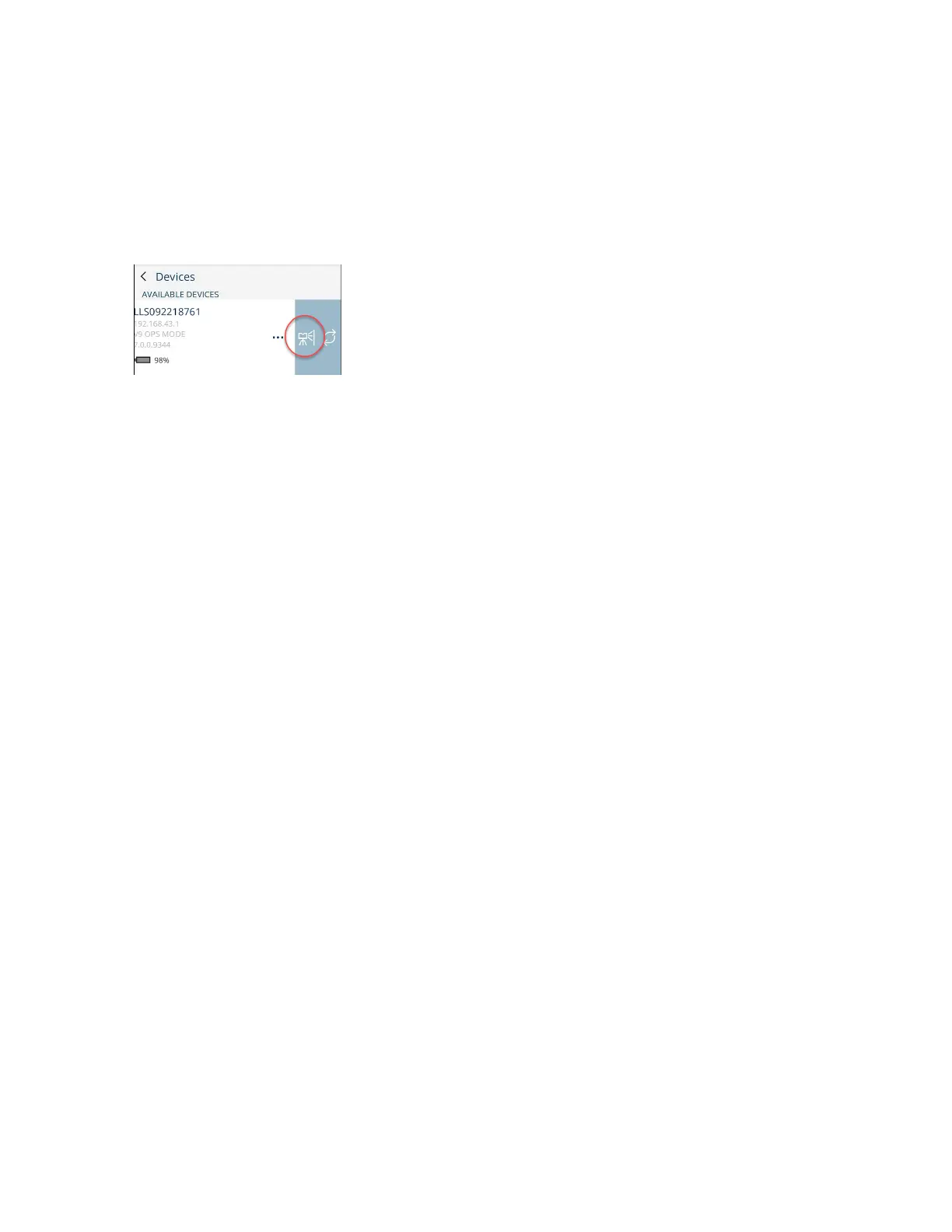
On-Site Compensation in FARO Stream App
Perform the steps below on your smart device. Connect the scanner in Stream app and swipe the device
list entry to the left. Select the OSC icon.
1. Start scanning and compensating by clicking OSC button in Stream app.
2. During the compensation process, the status of progress is displayed. You can cancel the process, if
necessary.
When the compensation is finished, the compensation summary is displayed with the results of the
compensation.
Troubleshooting
Issue: The process did not identify enough natural targets for compensation.
Solution: Select a room with a sufficient amount of natural objects. In case of an insufficient amount of
detected natural features, the quality section in Stream app summary will indicate.
Issue: No consistent solution could be determined.
Solution: Ensure that the tripod and the targets did not move during the procedure.
Issue:Communication with the scanner failed.
Solution: Ensure that the WLAN connection to the scanner is stable. If this error appears while
connecting to the scanner or applying the compensation parameters, repeat the corresponding step.
Scan Groups
A scan group is a set of two or more detail scans that were taken using the scan group function. The
scanner records fixed spatial relationships between all of the scans in the group. These are shown as a
group in SCENE.
FARO
®
Focus Premium Laser Scanner User Manual
Chapter 7: Special Scanning Modes
FARO Focus Premium (March 2022) Page116of157



 To Next Page