1. Remove laser scanner unit from its tripod.
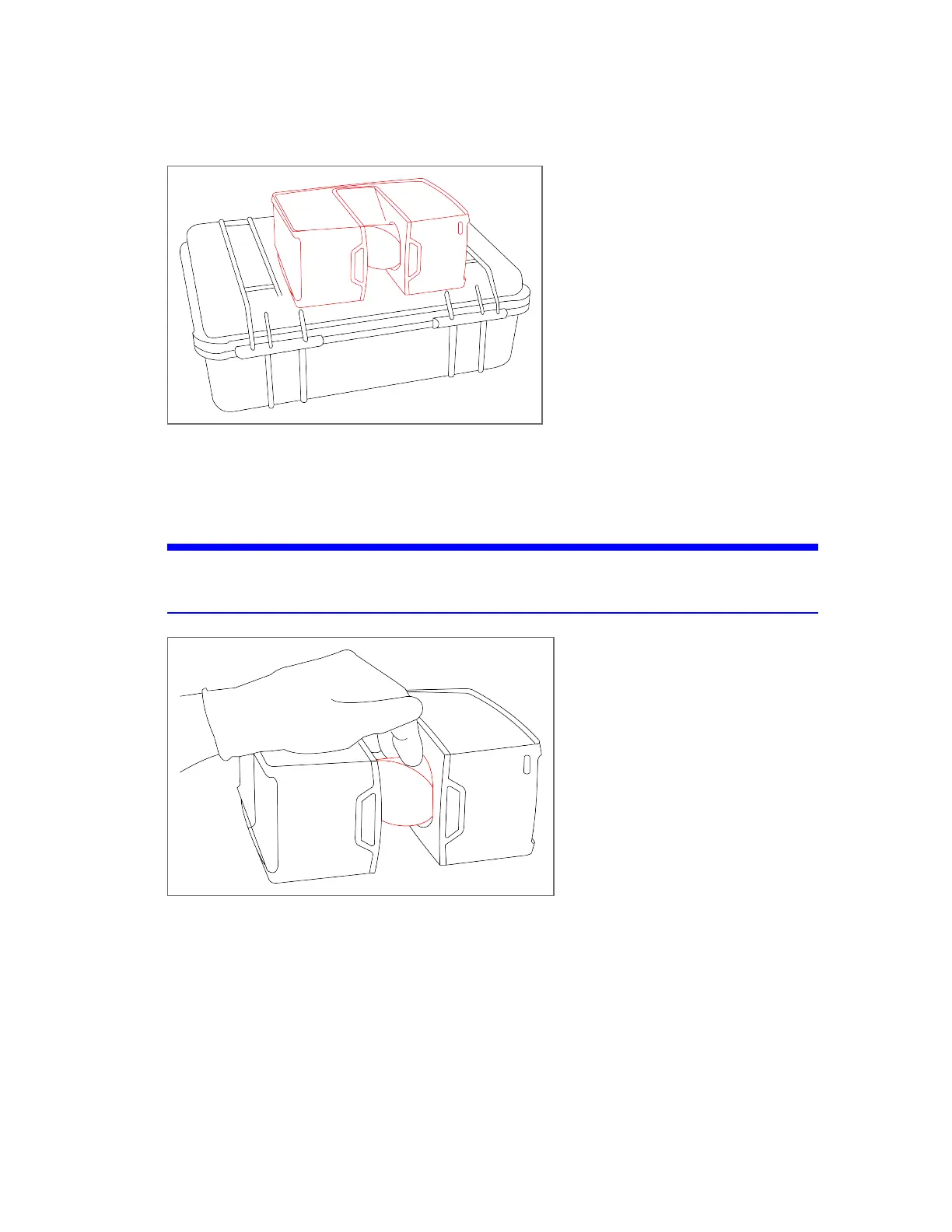
Figure 8-12 Transport box with laser scanner turned and laid on top, with the mirror module facing outwards
2. Lay the scanner on its long side.
3. Ensure that the mirror can move freely, and is easily accessible for wet cleaning.
NOTICE: Damage of the scanner’s mirrors and lenses
Use dust-free gloves for the following steps.
Figure 8-13 Fix the mirror with your finger tips to keep it in this position
FARO
®
Focus Premium Laser Scanner User Manual
Chapter 8: Maintenance
FARO Focus Premium (March 2022) Page129of157



 To Next Page