NOTE: Selecting a predefined scan profile overwrites all current scanning parameters with the settings
of the selected scan profile.
You can also edit the scanning parameters individually by changing the following settings by tapping to
edit:
Resolution and Quality - Displays the selected resolution in megapoints, as well as the selected quality.
Horizontal and Vertical Scan Range - Displays the scan range with the horizontal and vertical start and
end angles in degrees.
Select Sensors - Opens the screen to enable or disable automatic use of built-in sensors' data for the scan
registration in SCENE or Sphere.
Scan with Color - Switch colored scan recording on or off. If switched on, the scanner also takes color
photos of the scanned environment with the integrated color camera or PanoCam accessory, if attached.
These photos are taken right after the laser scan and are used in the point cloud processing software
SCENE or Sphere to automatically colorize the recorded scan data.
Color Settings - Shows the current exposure metering mode used for taking color photos. You can also
choose whether to use the integrated camera or the PanoCam, an accessory available from FARO. (For
more details about PanoCam refer to the Accessories Manual for the Focus Laser Scanner.)
Advanced Settings - Enable or disable the Clear Contour and Clear Sky filters. Enable or disable the Far
Distance.
Scan Size [Pt] - Shows the scan size in points horizontal x vertical measurement. The vertical size can
only be changed by setting a new resolution or changing the scan area angle.
Scan Duration, Scan File Size - Expected scan time and file size in megabytes depending on the chosen
settings, including pre and post-processing, resolution, selected exposure metering, scan area, quality
value, and scan range. Note that the values shown here are approximate values because color scan times
can vary because of particular exposure times required by lighting conditions at your scan site.
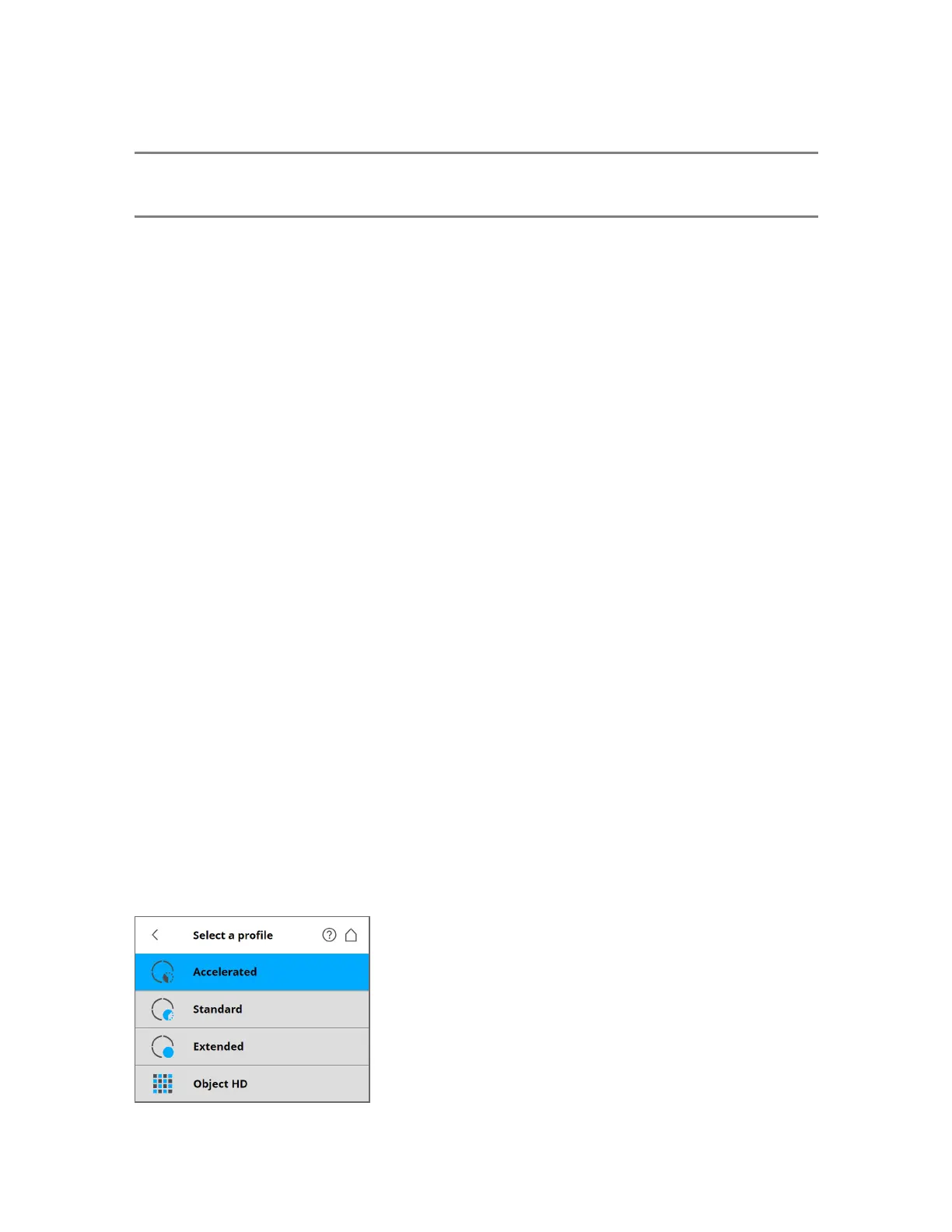
Selecting a Scan Profile
Prior to capturing a scan, you can select a scan profile that fits the needs of the scene and the desired
scan quality.
Figure 5-14 Select a Profile
FARO
®
Focus Premium Laser Scanner User Manual
Chapter 5: Getting Started
FARO Focus Premium (March 2022) Page41of157



 To Next Page